
Scoring Modes
Every game uses a scoring mode that determines how rankings work and who wins. Choose the mode when creating a game. It can’t be changed later.
Available Modes
Section titled “Available Modes”Highest Wins
Section titled “Highest Wins”The default mode. The player with the highest score is ranked first.
Best for: Most board games, trivia, accumulation-style games.
Lowest Wins
Section titled “Lowest Wins”The player with the lowest score wins. Rankings are inverted compared to Highest Wins.
Best for: Golf, hearts, penalty-style games where fewer points are better.
Win/Draw/Loss
Section titled “Win/Draw/Loss”Instead of numeric scores, track outcomes: each round, record a Win, Draw, or Loss for each player. Points are awarded automatically based on a preset:
| Preset | Win | Draw | Loss | Example |
|---|---|---|---|---|
| League | 3 pts | 1 pt | 0 pts | Football/soccer league tables |
| Classic | 1 pt | 0.5 pts | 0 pts | Chess tournament scoring |
Custom point values are also supported if your league or tournament uses a different scale.
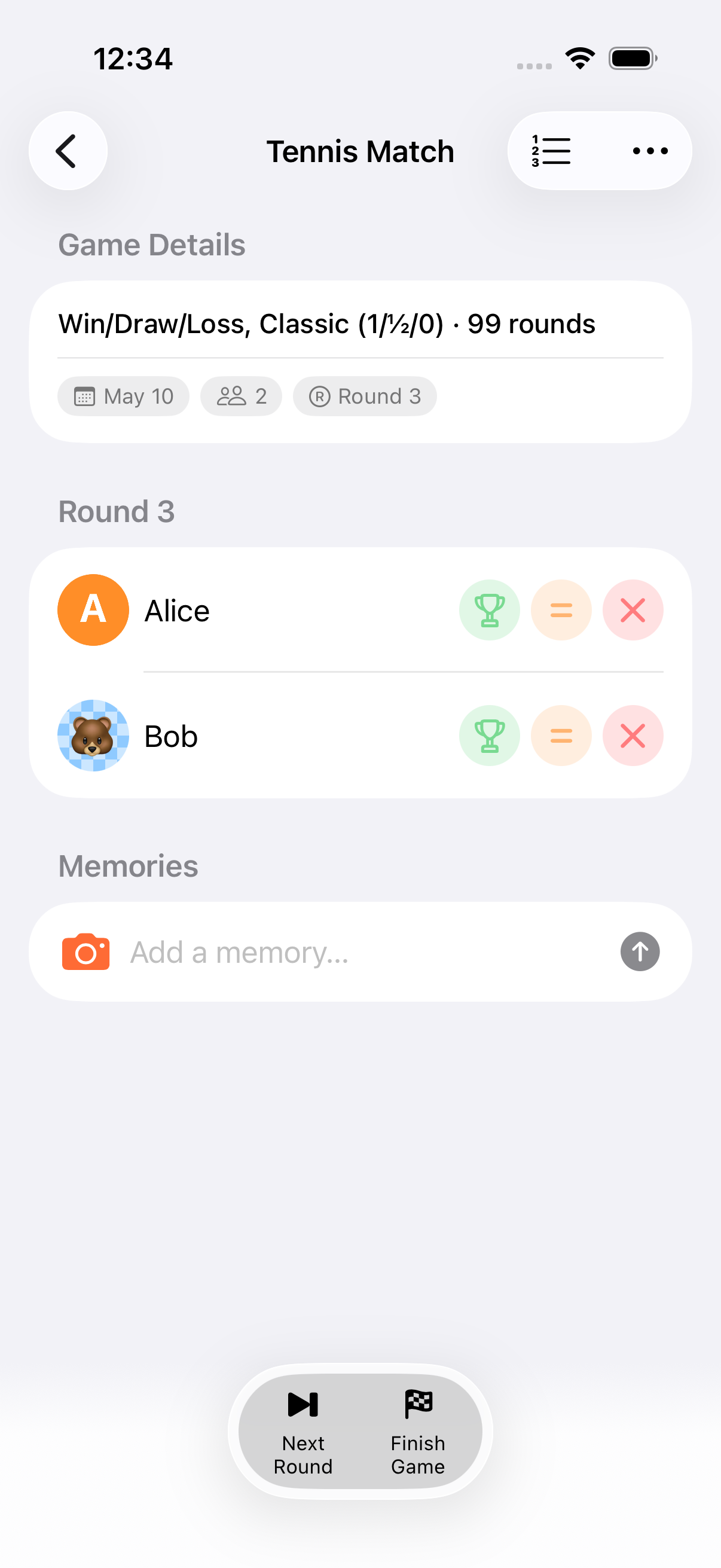
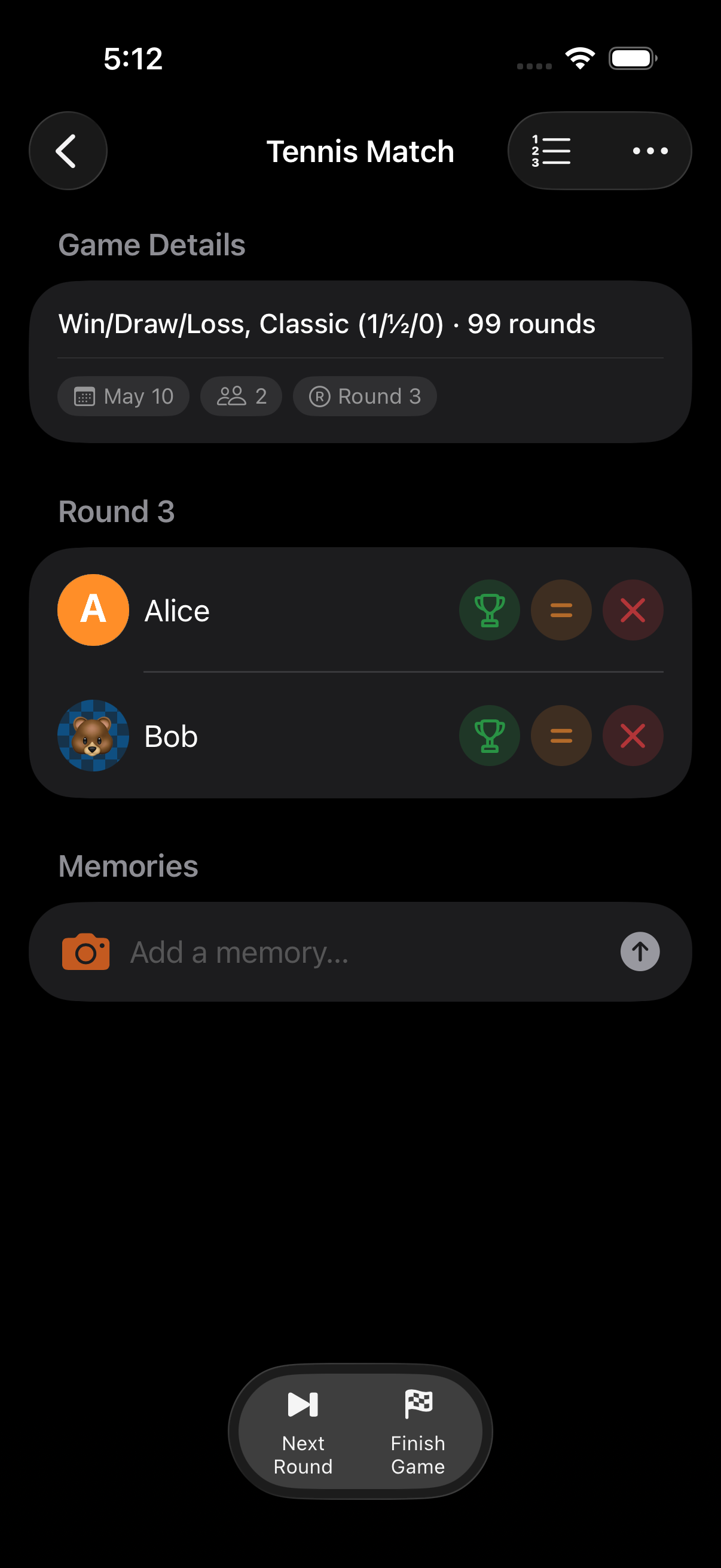
WDL games are always modelled as round-based. Even a single match counts as “round 1” so the outcome is captured the same way as a tournament with many rounds.
Best for: Head-to-head matchups, round-robin tournaments, any game where you just need to track who won each round.
Point Exchange
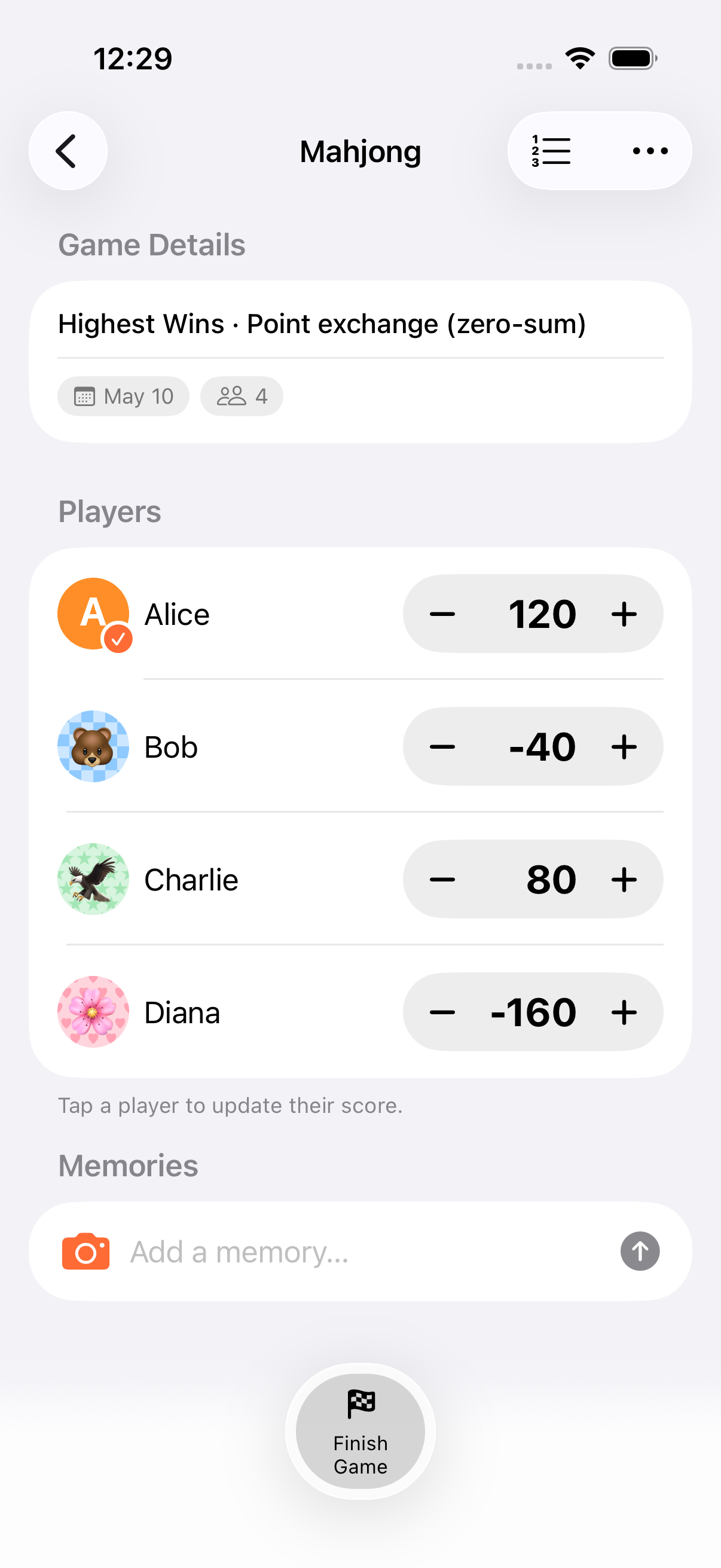
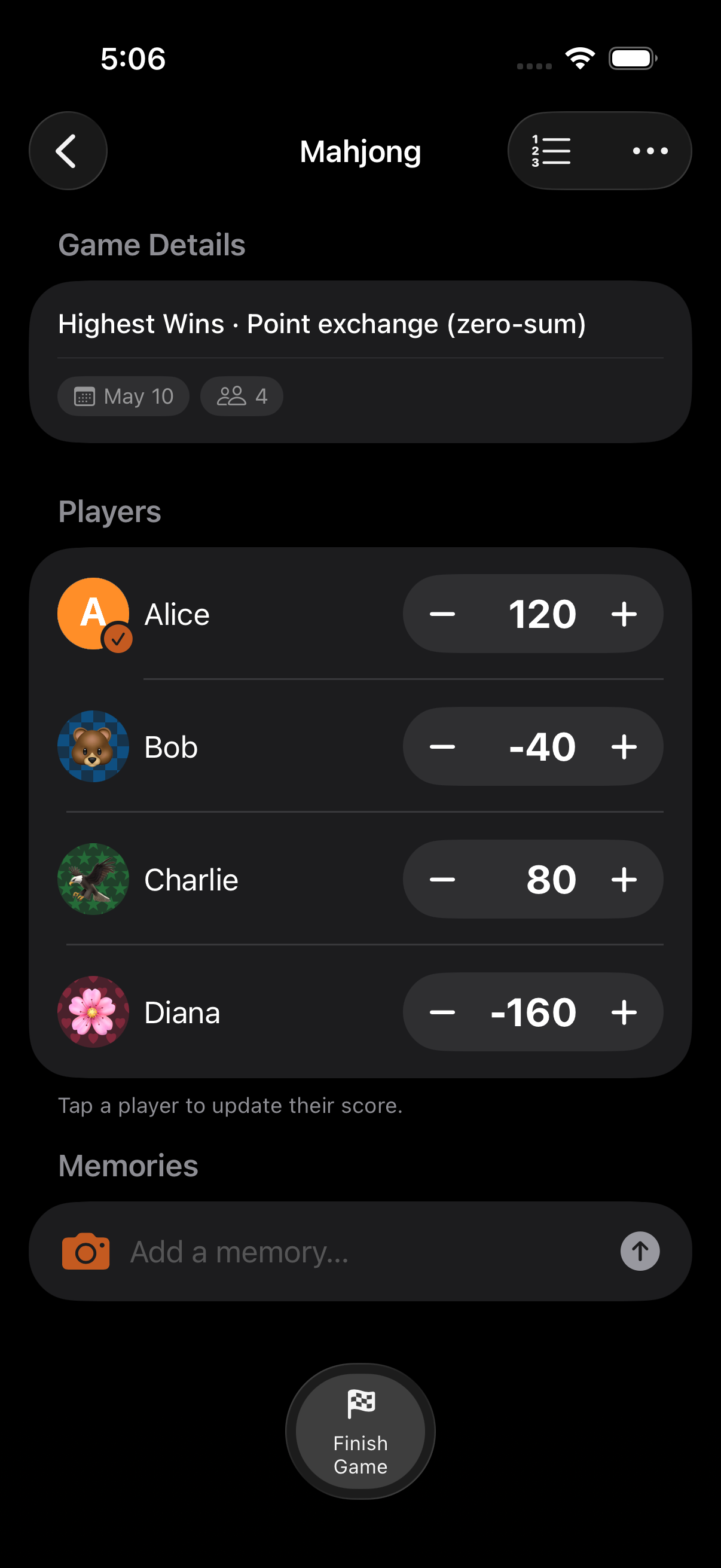
Section titled “Point Exchange”Zero-sum scoring: points given to one player are automatically taken from another. The total points in the game always stays the same. Point Exchange is a modifier layered on top of a numeric scoring mode (Highest Wins or Lowest Wins).
Best for: Mahjong, poker chip tracking, card games with point redistribution, any game where gains equal losses.
Comparison
Section titled “Comparison”| Feature | Highest Wins | Lowest Wins | Win/Draw/Loss | Point Exchange |
|---|---|---|---|---|
| Numeric scoring | Yes | Yes | Automatic | Yes |
| Custom increment | Yes | Yes | No | Yes |
| Calculator access | Yes | Yes | No | Yes |
| Zero-sum | No | No | No | Yes |
| Round outcomes | Optional | Optional | Built-in | Optional |
Note: Point Exchange can’t be combined with Win/Draw/Loss or category scoring.
- Win/Draw/Loss mode is also what Kids Mode uses, with a simplified colorful interface
- Point Exchange ensures fairness: every point gained is a point lost by someone else
- You can combine any scoring mode with rounds, timers, and end conditions
Related Features
Section titled “Related Features”- Quick Scoring: +/− buttons for Highest/Lowest Wins modes
- End Conditions: Auto-finish when a target is reached
- Kids Mode: Simplified Win/Draw/Loss for children
Can I switch scoring mode mid-game?
Section titled “Can I switch scoring mode mid-game?”No. The scoring mode is set when you create the game and can’t be changed afterward. Start a new game if you need a different mode.
What’s the difference between Win/Draw/Loss and just tracking scores?
Section titled “What’s the difference between Win/Draw/Loss and just tracking scores?”Win/Draw/Loss replaces the numeric +/− buttons with Win, Draw, and Loss buttons. Points are awarded automatically based on the preset (League or Classic), so you don’t have to remember point values.