
Persona Groups
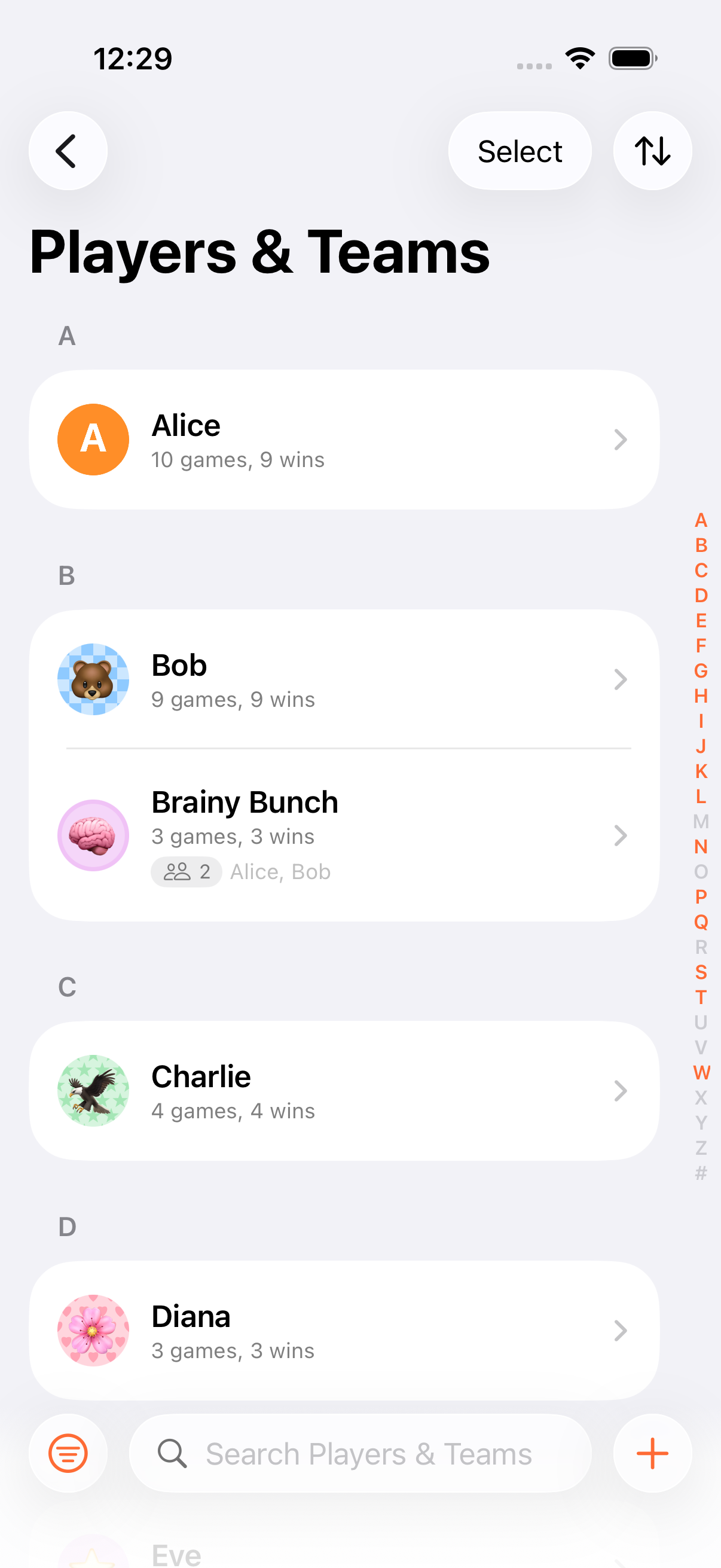
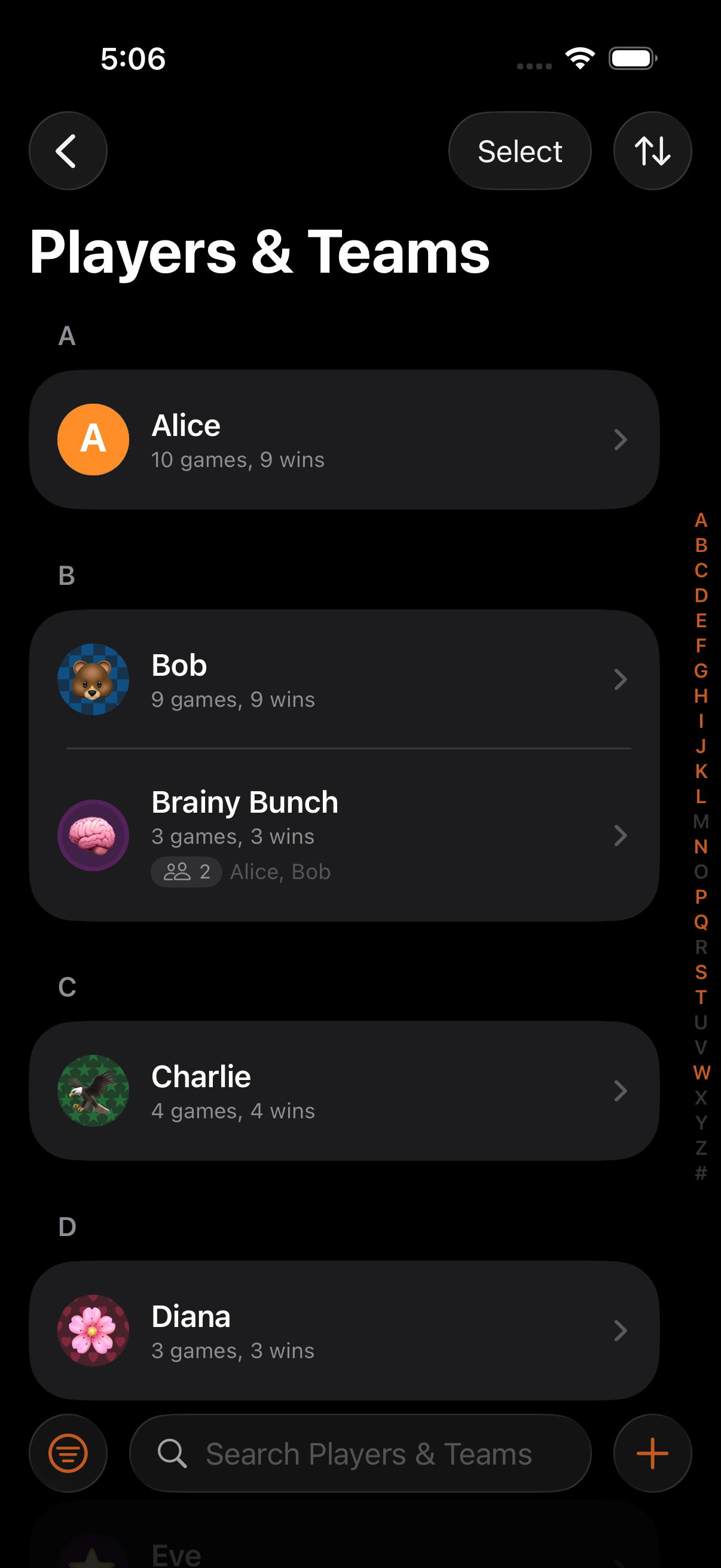
Persona groups let you organise your saved personas into named collections, making it fast to set up games for your regular gaming groups.
How It Works
Section titled “How It Works”- Open the Persona Library from the game list menu
- Create a new group (e.g. “Family”, “Poker Crew”, “Work Lunch”)
- Add personas to the group
- When creating a game or Game Night, select the group to add all its members at once
Use Cases
Section titled “Use Cases”| Group | Members | Games |
|---|---|---|
| Family | Mom, Dad, Kids | Weekend board games |
| Poker Crew | Regular poker players | Thursday night poker |
| Work Lunch | Office colleagues | Lunchtime card games |
| Tournament | Competition players | Monthly tournament |
Batch Operations
Section titled “Batch Operations”Groups are designed for batch work:
- Add every member to a new game with one tap
- Use a group to set the participant list for a Game Night
- Groups are also exposed to Siri Shortcuts as a parameterised entity
- A persona can belong to multiple groups. “Alice” could be in both “Family” and “Poker Crew”
- Groups sync across devices via iCloud along with your personas
- Pair groups with Game Nights to fix a participant list for an evening of back-to-back games
Related Features
Section titled “Related Features”- Personas: Create the profiles that go into groups
- Game Nights: Use groups to set participants for a session
- Managing Players: Add group members to individual games
Can a persona be in multiple groups?
Section titled “Can a persona be in multiple groups?”Yes. A persona can belong to as many groups as you like.
What happens if I delete a group?
Section titled “What happens if I delete a group?”Deleting a group removes the grouping but doesn’t delete the personas themselves. They remain in your library and in any other groups they belong to.
Round26of49