
Poker Night
A walkthrough for tracking a poker night with personas, Point Exchange scoring, rounds, dealer tracking, and cross-game tallies via a Game Collection.
The Scenario
Section titled “The Scenario”Regular Thursday poker night. Five players, chip-based scoring (chips in = chips out), multiple hands, rotating dealer, and you want to track who comes out ahead across a few different poker variants.
Step 1: Set Up Your Poker Crew
Section titled “Step 1: Set Up Your Poker Crew”If this is your first time, create personas for the regulars:
- Open Persona Library from the sidebar
- Create a persona for each player with an emoji or photo avatar and a preset colour
- Create a persona group called “Poker Night” for one-tap selection later
Step 2: Create a Game Collection
Section titled “Step 2: Create a Game Collection”Game Collections track cross-game win tallies across a session:
- From the sidebar, create a new Game Collection
- Name it “Thursday Poker” and pick today’s date
- Add your “Poker Night” persona group as participants
Step 3: Create the First Game
Section titled “Step 3: Create the First Game”- Add a game to the collection (e.g., Texas Hold’em)
- Set scoring mode to Highest Wins with Point Exchange on. This enforces zero-sum scoring so chips won always equal chips lost across the table
- Set a starting score equal to the starting stack (e.g., 1000)
- Enable Rounds if you want to snapshot each hand
- Set the scoring unit to match your chips: Dollars ($), Points (pts), or a custom symbol
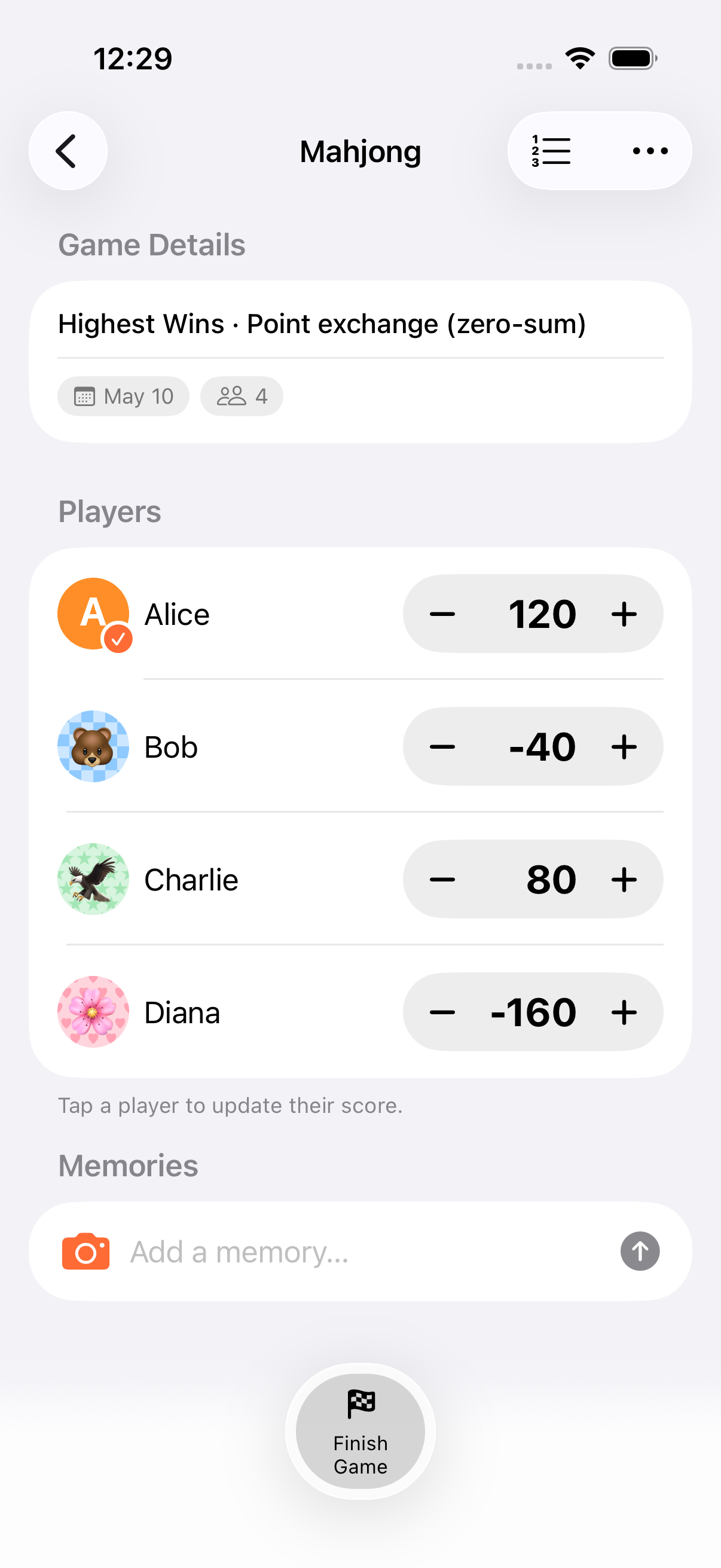
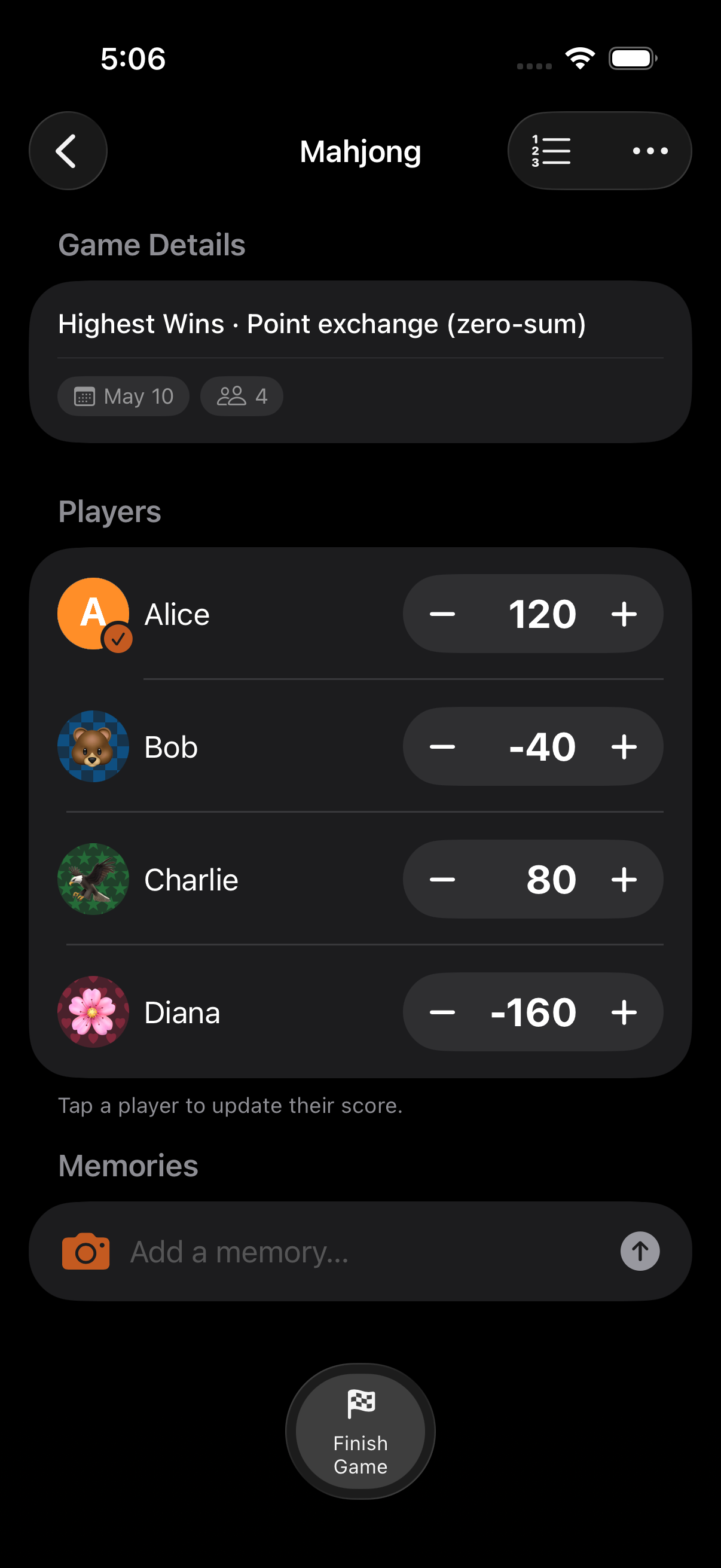
Step 4: Play with Dealer Tracking
Section titled “Step 4: Play with Dealer Tracking”During play:
- Mark the current dealer from the participant menu. They get a dealer badge
- After each hand, advance the dealer to the next participant
- Eliminated participants are skipped automatically
Step 5: Score Each Hand
Section titled “Step 5: Score Each Hand”Use the calculator to enter pot sizes in a single expression:
- Tap the winner’s row
- Enter the pot, e.g.,
50 + 100 + 200for the running bets - Tap =. In Point Exchange mode, the gain is mirrored as losses across the other players automatically
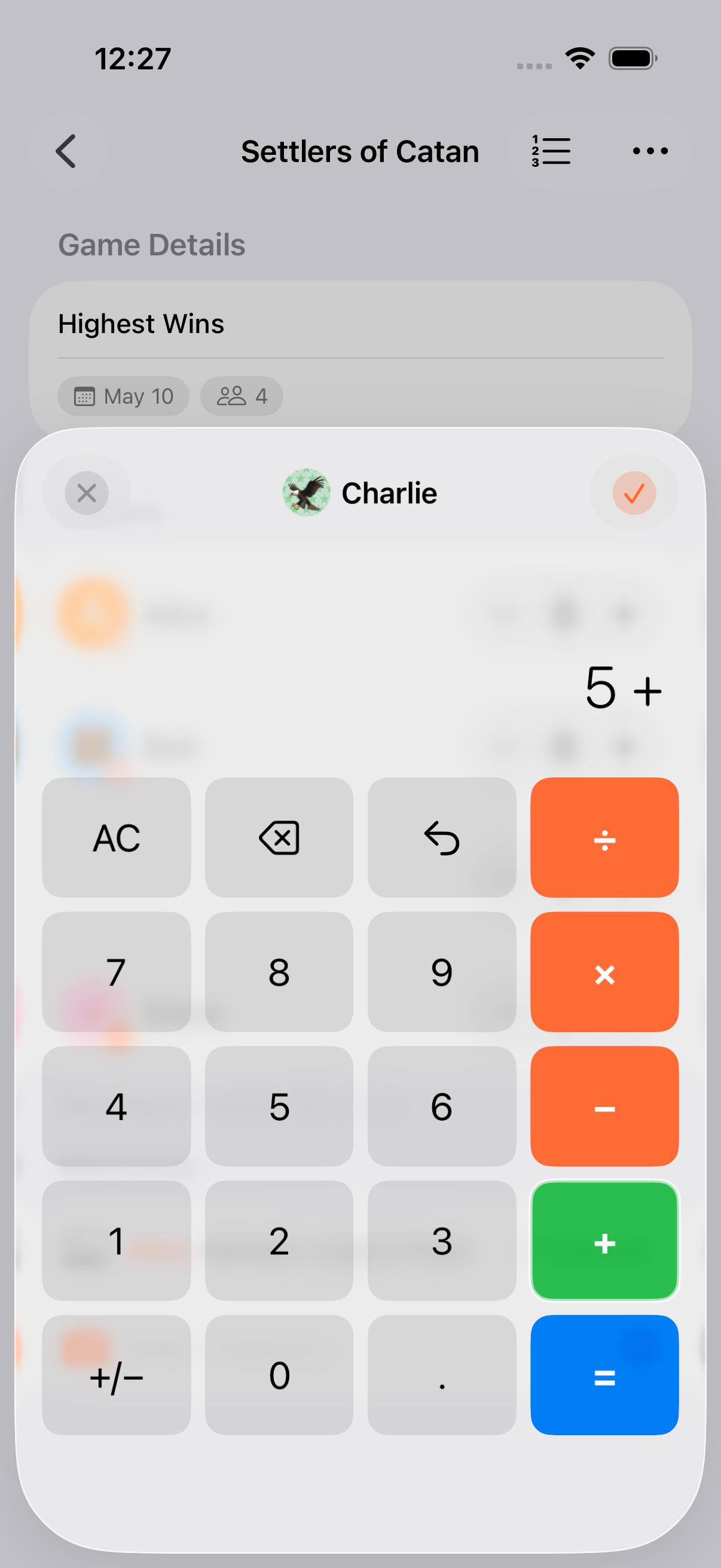
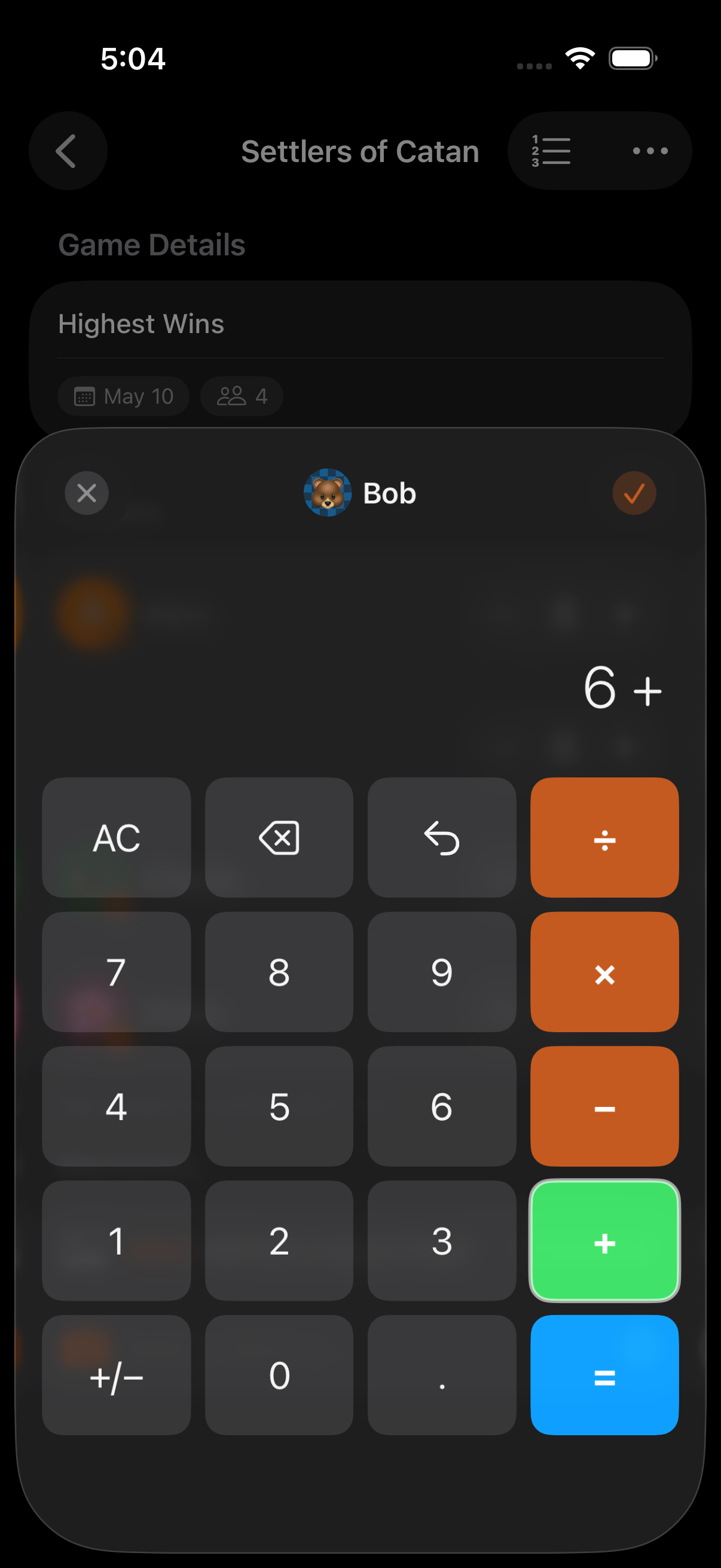
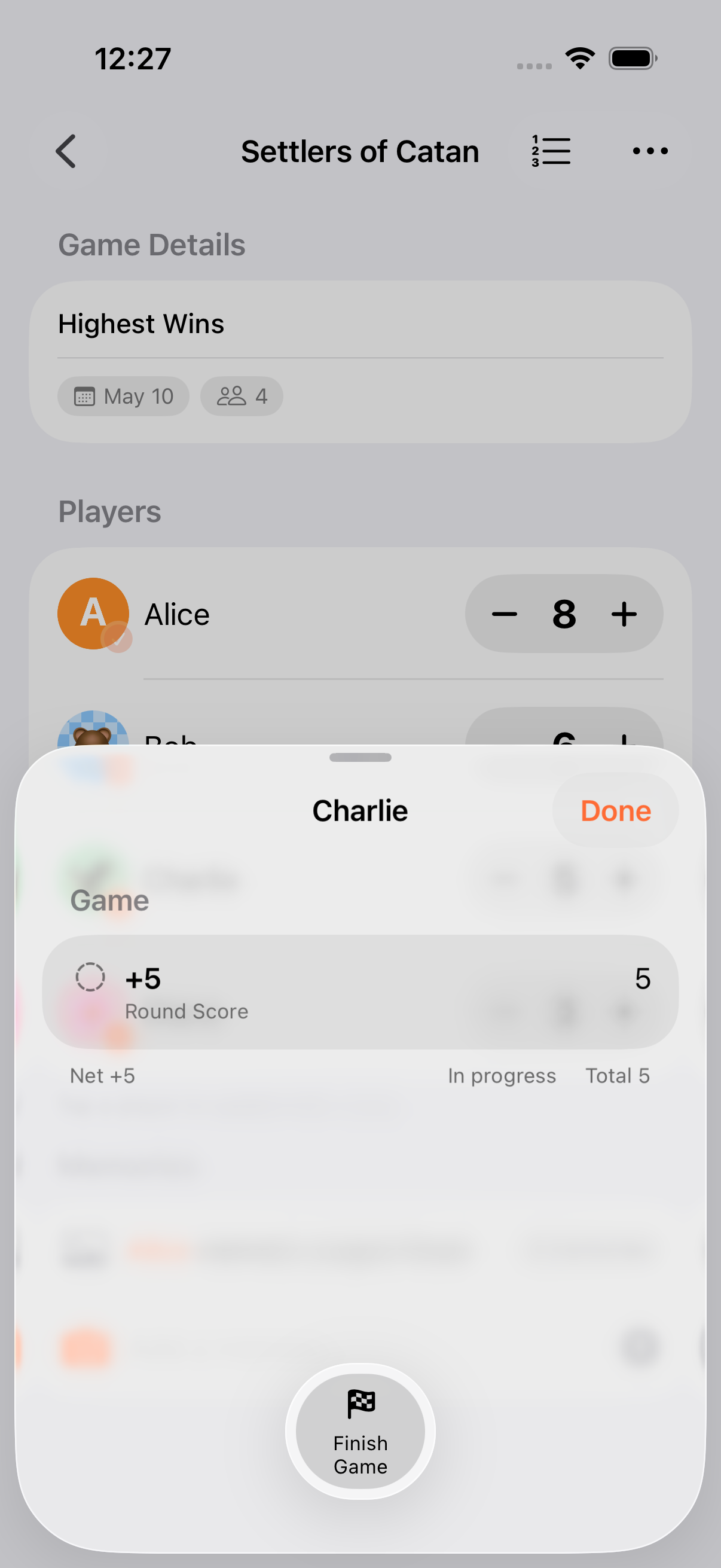
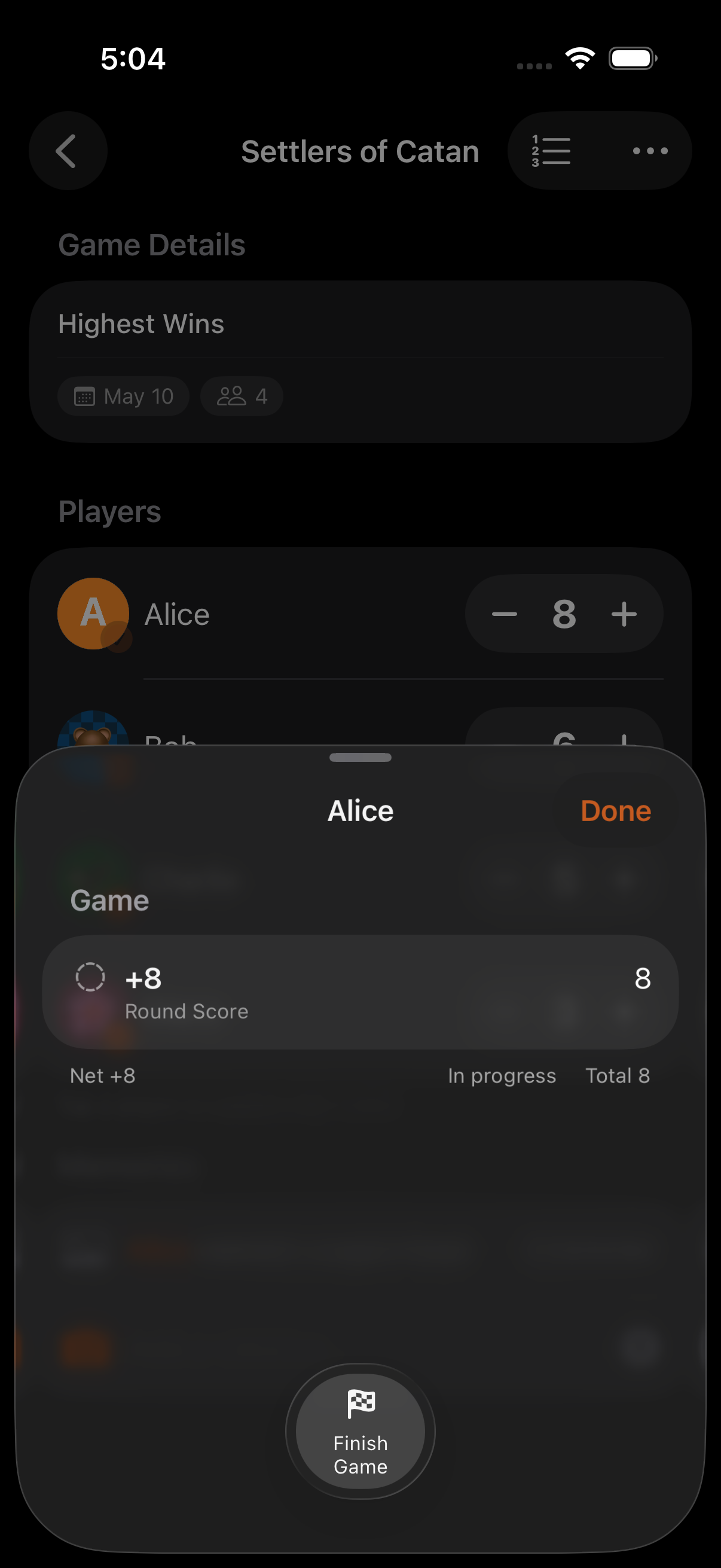
If you’re playing in rounds, tap End Round after each hand to snapshot scores. Need to undo? Every score change is grouped, so undoing a Point Exchange hand reverses both sides in one action.
Step 6: Switch Games, Keep the Collection
Section titled “Step 6: Switch Games, Keep the Collection”When you move from Hold’em to Omaha:
- Finish the current game from the menu
- Add another game to the collection with the same participants
- The collection tracks wins across every game. Whoever wins the most takes the night
- Point Exchange keeps the chip total balanced. If the numbers stop summing to zero, someone miscounted
- The calculator has 50 levels of undo if a pot was misread
- Export the collection or individual games as CSV / JSON to track performance over the season
- Ask Siri to “check scores” via the built-in App Intent during long hands
Related Guides
Section titled “Related Guides”- Family Game Night. A simpler setup for board games
- Point Exchange. How zero-sum scoring works
- Rounds. Per-hand tracking with cumulative scores