
Visual Accessibility
Keeping Score! ensures that visual information is accessible to users with low vision, color blindness, or motion sensitivity.
Color & Contrast
Section titled “Color & Contrast”WCAG Compliance
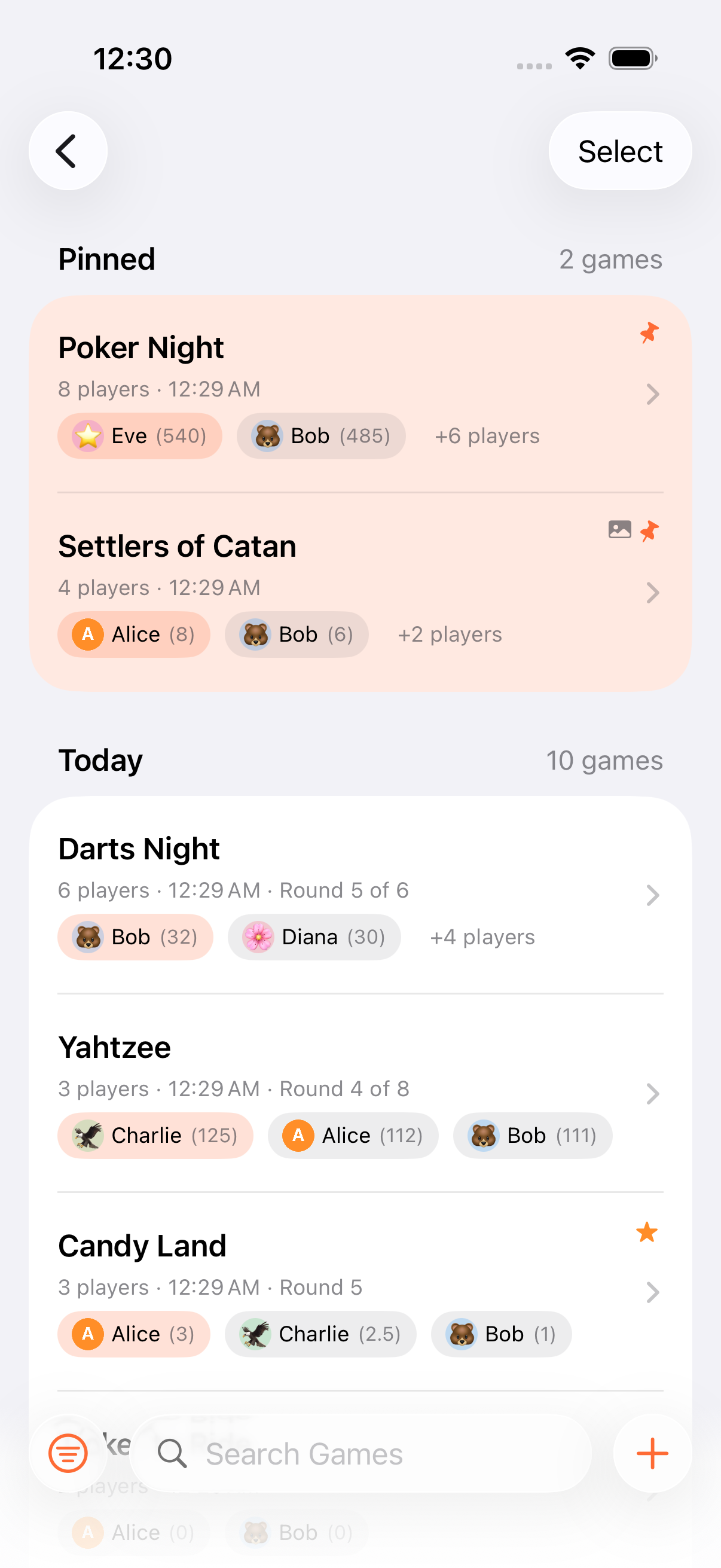
Section titled “WCAG Compliance”All interactive elements meet WCAG contrast requirements in both light and dark modes. The app also respects the system-wide Increase Contrast setting and renders with enhanced contrast when it’s on.
Non-Color Indicators
Section titled “Non-Color Indicators”Selected and active states are always distinguishable without relying on color alone:
- Selected calculator operator shows a white border overlay in addition to the color change
- Rank badges combine shape and border with color
- Disabled calculator buttons use the
.secondaryforeground color for clear distinction - Active/inactive states use opacity and weight differences alongside color
Color Choices
Section titled “Color Choices”- Rank 1 leaderboard badge uses orange (not yellow) for WCAG contrast compliance
- The 9 persona colors are chosen for visual distinctiveness
Reduce Motion
Section titled “Reduce Motion”The app respects the iOS Reduce Motion setting:
| Animation | Standard | Reduce Motion |
|---|---|---|
| Winner celebration | 180-particle confetti across 9 colors, 3-second duration | Static result display |
| Score transitions | Animated | Instant |
| Screen transitions | Standard iOS animations | Reduced/crossfade |
When Reduce Motion is enabled, celebrations still show the winner, just without animation.
Voice Control & Full Keyboard Access
Section titled “Voice Control & Full Keyboard Access”Every action is reachable without gestures, and every interactive element has a proper accessibility label for Voice Control overlay numbering. Game creation through scoring through finish has been tested end-to-end with both Voice Control and Full Keyboard Access.
Dark Mode
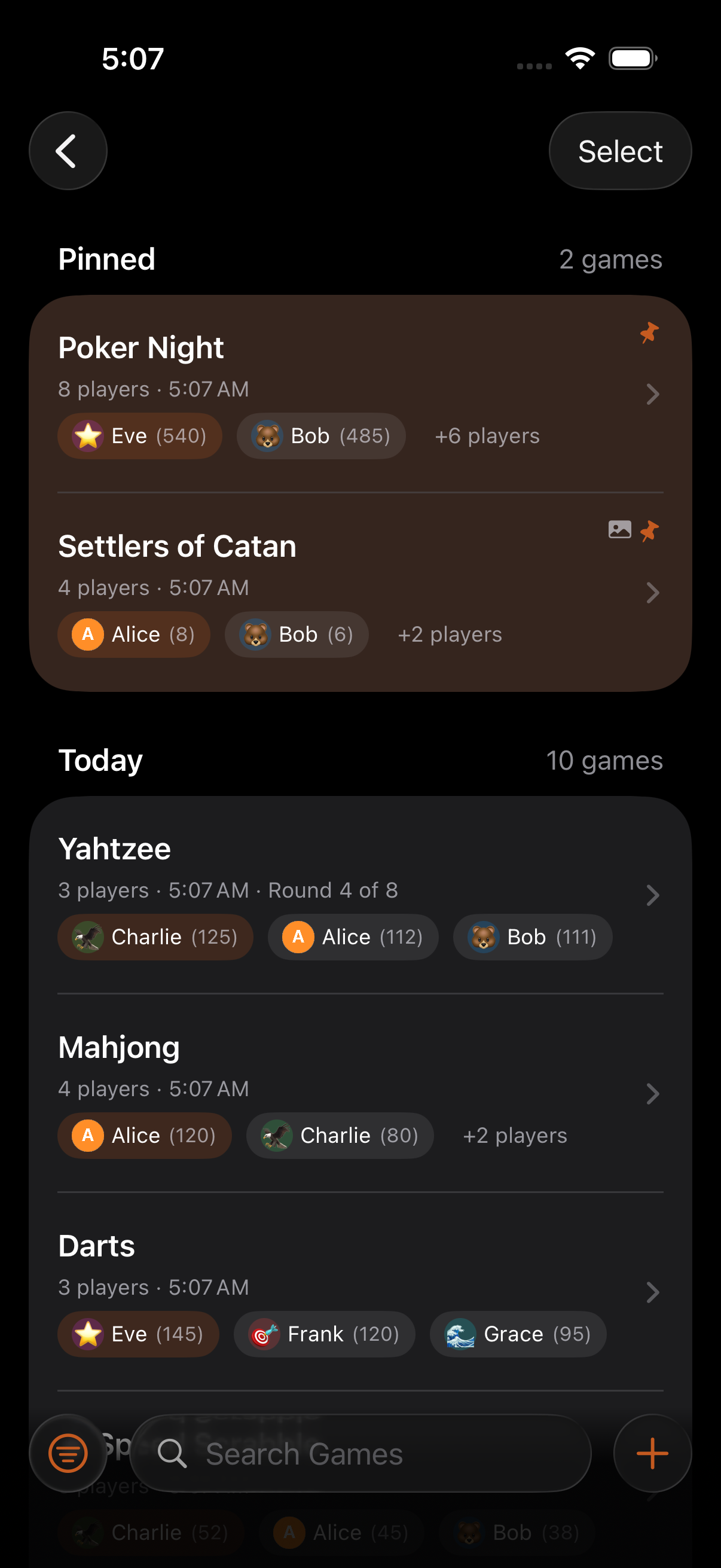
Section titled “Dark Mode”Full dark mode support throughout the app. All screens and components follow the system appearance. The AirPlay TV display always uses a dark theme regardless of your device setting, as it’s optimised for TV viewing.
- The app automatically follows your system appearance (light/dark mode)
- If you use color filters or increased contrast in iOS Settings, the app respects those system-wide settings
- The AirPlay TV display always uses a dark theme regardless of your device setting, as it’s optimized for TV viewing
Related Features
Section titled “Related Features”- VoiceOver: Screen reader support
- Dynamic Type: Text size scaling
Does the app support color blindness?
Section titled “Does the app support color blindness?”Yes. No information is conveyed by color alone. All states use shape, border, opacity, or text indicators in addition to color. The app is designed to be fully usable with any type of color blindness.
Can I use the app with Increase Contrast enabled?
Section titled “Can I use the app with Increase Contrast enabled?”Yes. The app respects the system-wide Increase Contrast setting and renders all elements with enhanced contrast when enabled.