
Rounds
Round-based games capture a snapshot of every player’s score at the end of each round and track cumulative totals across all rounds.
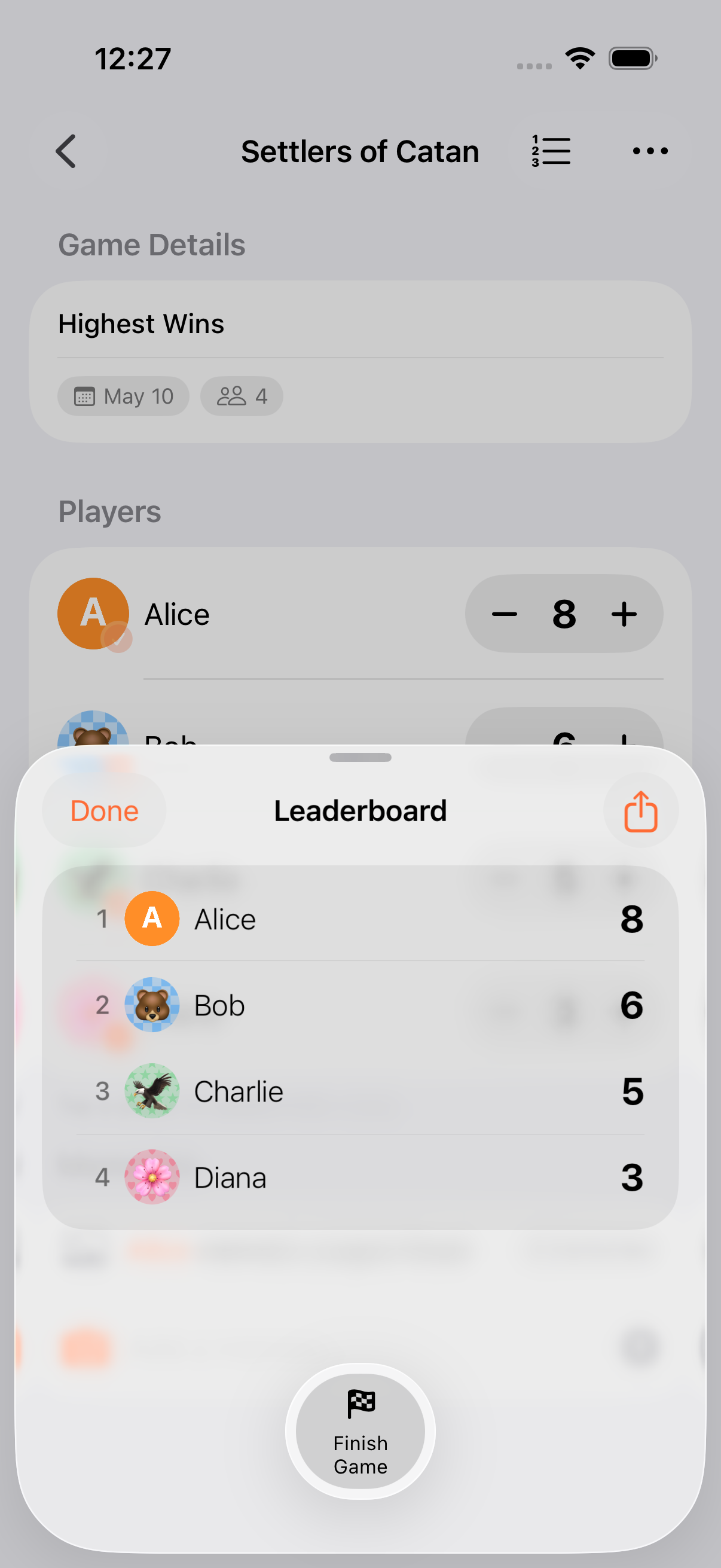
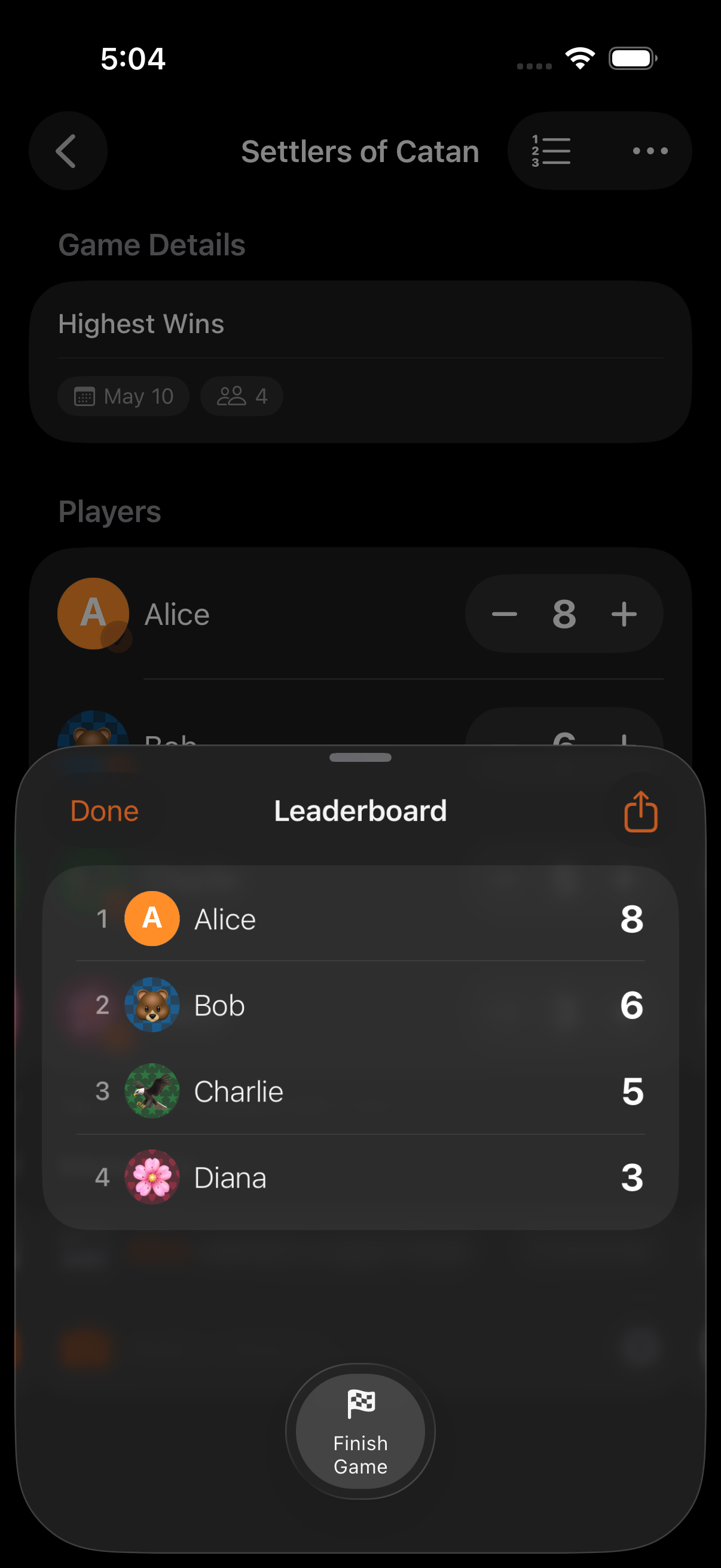
How It Works
Section titled “How It Works”- Enable round-based mode when creating a game
- Play and score as normal during each round
- When the round is over, tap Next Round
- Scores are snapshot into the round grid
- Play continues into the next round with cumulative totals tracked
Each round captures a RoundScore entry per participant. The cumulative total across rounds drives the leaderboard, while per-round deltas are preserved for history and the round grid view.
Round Grid Leaderboard
Section titled “Round Grid Leaderboard”The leaderboard shows a grid with:
- Players listed vertically
- Rounds listed horizontally (Round 1, Round 2, …)
- Each cell shows that player’s score for that round
- A Total column shows the cumulative running score
This gives you a complete picture of how each player performed across all rounds.
Reopen Previous Round
Section titled “Reopen Previous Round”If no new scores have been entered since advancing rounds, tap Reopen Previous Round to restore the previous round’s working state. Once scores are entered in the new round, previous rounds become non-undoable (use the calculator undo for intra-round corrections).
Per-Round End Conditions
Section titled “Per-Round End Conditions”Rounds can have their own end conditions, separate from the game-level one:
| Condition | What Happens |
|---|---|
| Target Score Per Round | Round ends when any player reaches the target within that round |
| Total Scored Per Round | Round ends when the combined score for the round hits the target |
| Timed Round | Each round has its own countdown timer that resets |
These can be combined with game-level end conditions, for example, timed rounds within a target-score game.
- Rounds work with every scoring mode: Highest Wins, Lowest Wins, Win/Draw/Loss, and Point Exchange
- The round grid is especially useful for games like Yahtzee where per-round performance matters
- You don’t need to decide the number of rounds upfront. Just keep playing and end rounds as you go (games can also be open-ended round-based)
- Categories snapshot per-round too
- Memories are auto-tagged with the current round number
Related Features
Section titled “Related Features”- Timers: Per-round timers reset each round
- End Conditions: Auto-end rounds or games
- Score History: Review changes within each round
Do scores always reset between rounds?
Section titled “Do scores always reset between rounds?”Each round captures its own score delta and the cumulative total is tracked separately. The round grid shows both: per-round values per cell and a running Total column.
Can I go back and edit a previous round’s score?
Section titled “Can I go back and edit a previous round’s score?”Previous rounds become non-undoable once you commit scores in a new round. Use Reopen Previous Round immediately after advancing (before new scores are entered), or use the calculator’s undo for corrections within the current round.
What games work well with rounds?
Section titled “What games work well with rounds?”Any game played over multiple hands or turns: Yahtzee, Phase 10, Rummy, Uno, Hearts, Spades, Bridge, and many more.