
Quick Start
Get up and running with Keeping Score! in just a few steps.
Create a Game
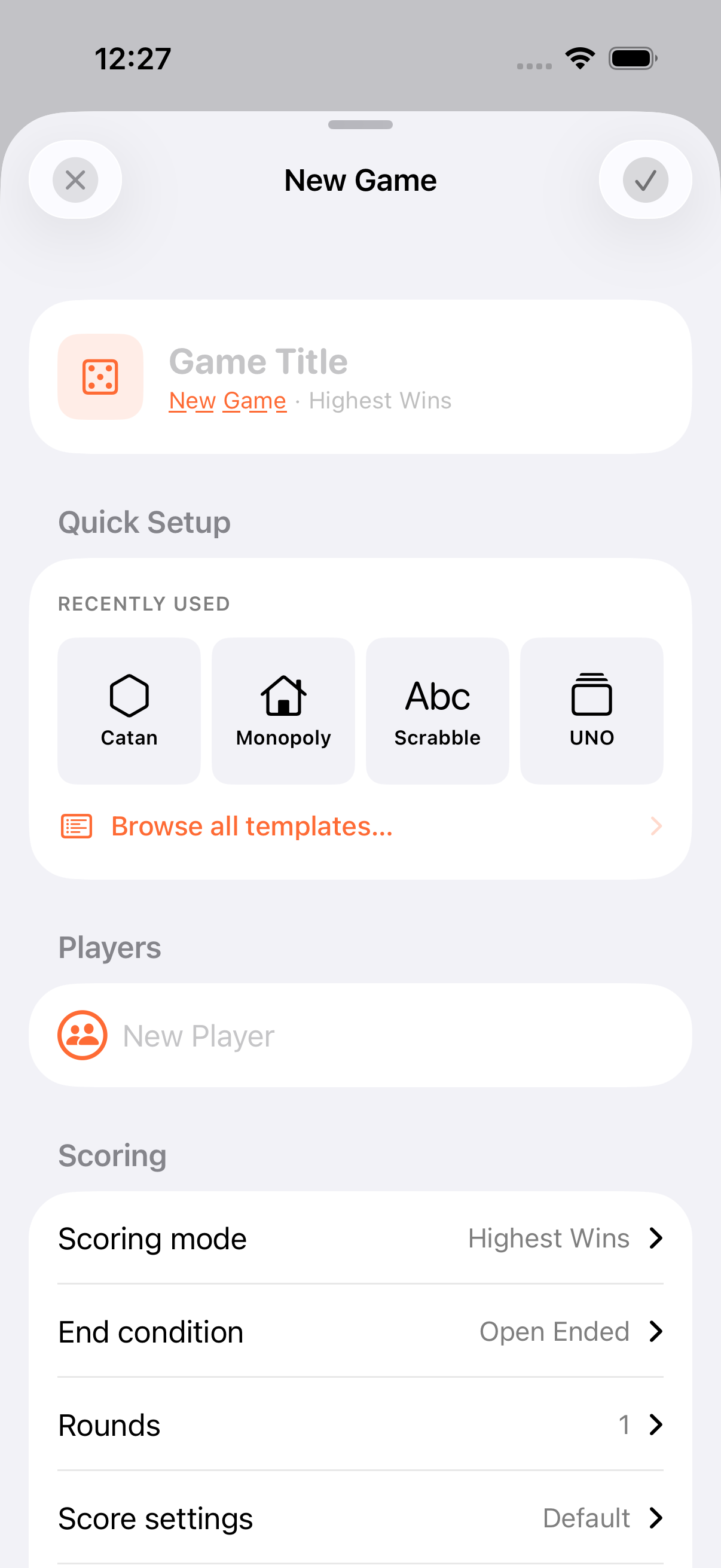
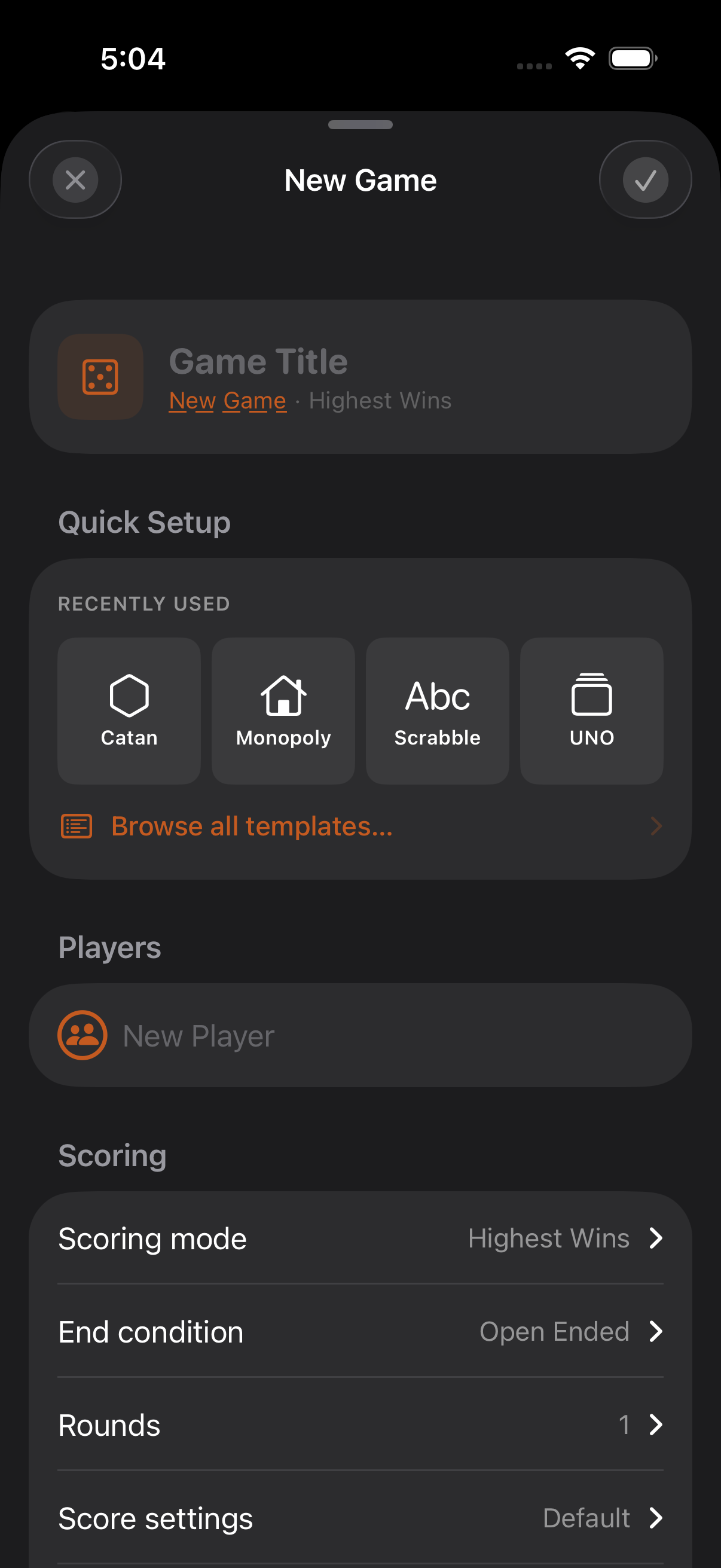
Section titled “Create a Game”- Tap the + button in the top right of the game list
- Enter a title (or leave it blank, the app generates one)
- Add at least two participants: type names, or pick from your saved personas
- Optionally pick a template from the template library (127 built-in games across 11 categories) to pre-fill scoring settings
- Tap the checkmark to start playing
Keep Score
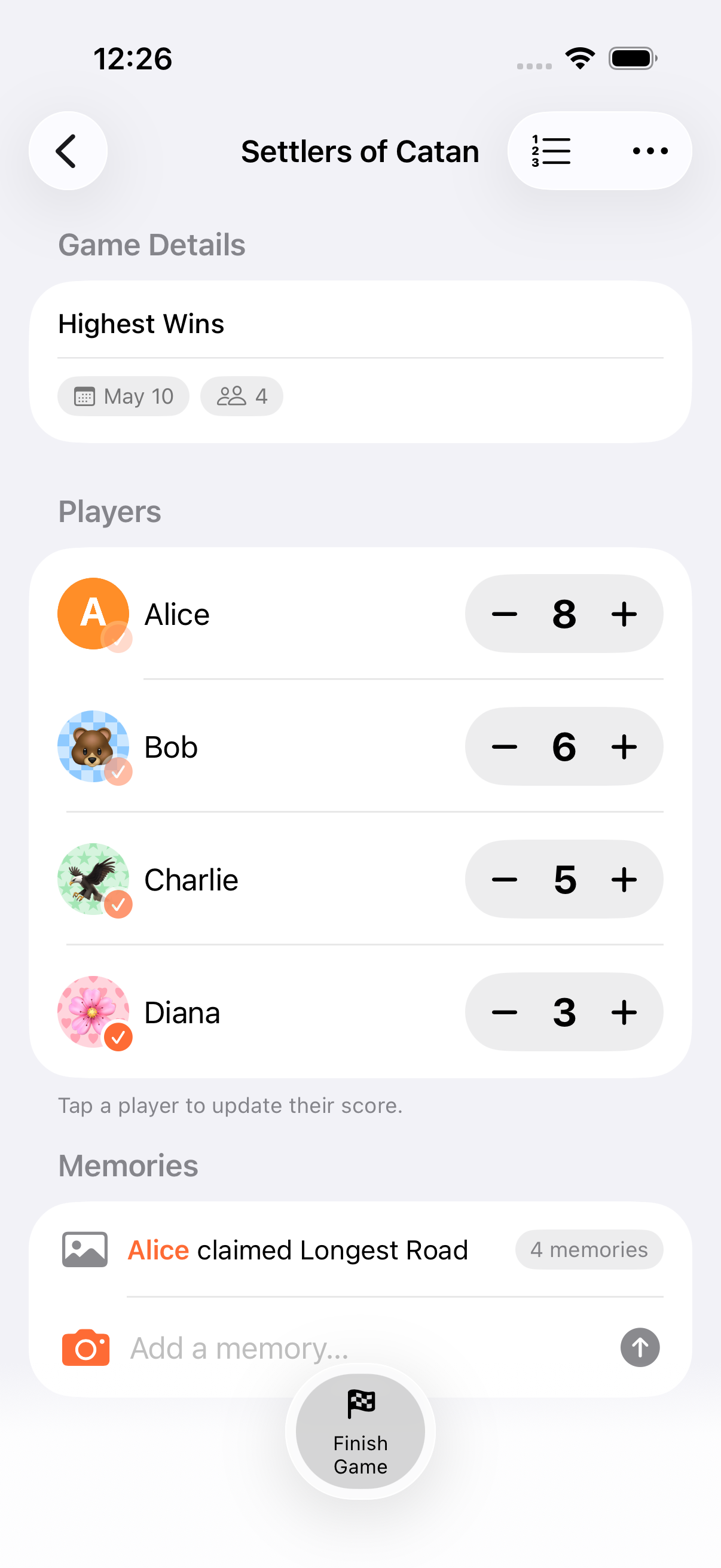
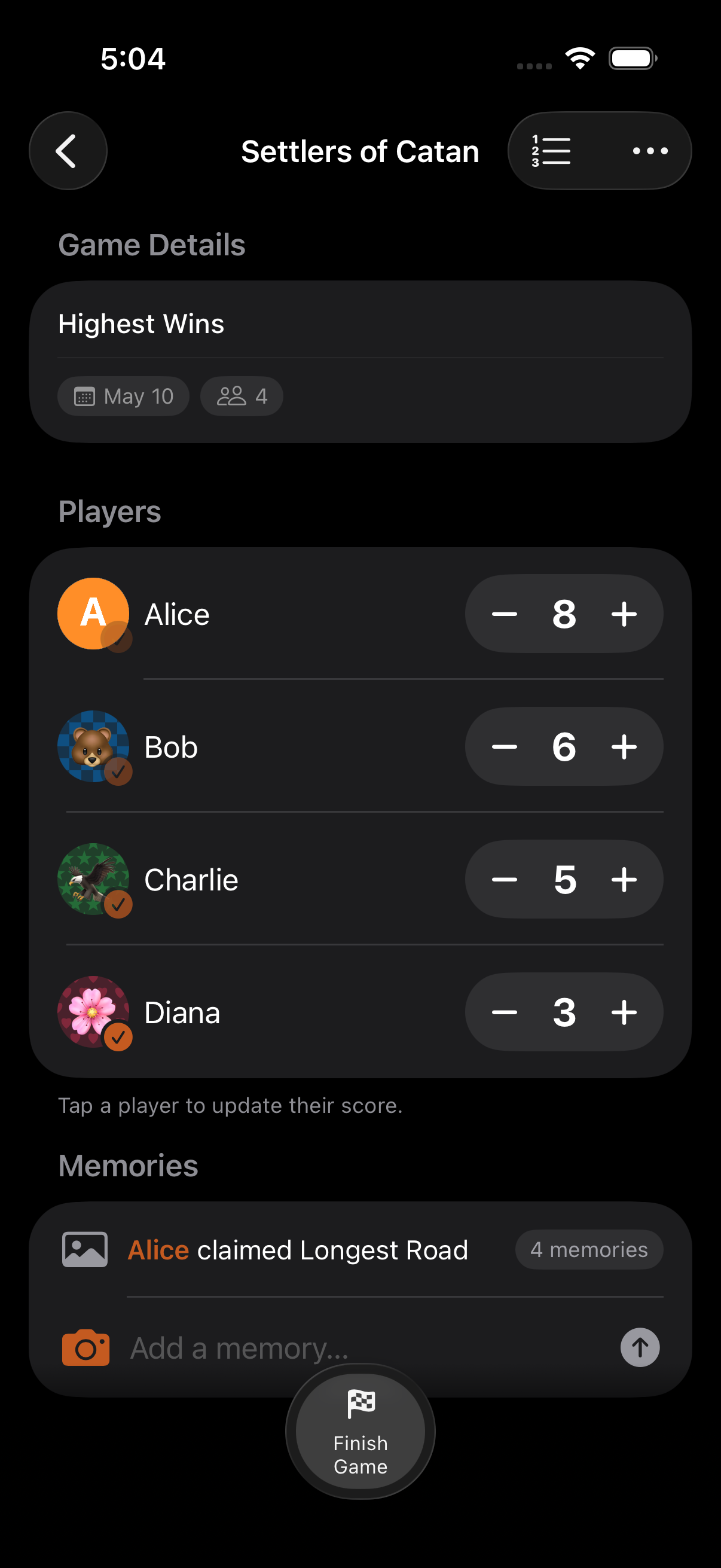
Section titled “Keep Score”- Quick tap: Use the + and − buttons next to each participant for fast adjustments using the configured score increment
- Full calculator: Tap a participant’s row to open the calculator for expressions like
15 + 3 × 2with order-of-operations and up to 50 levels of undo
Finish a Game
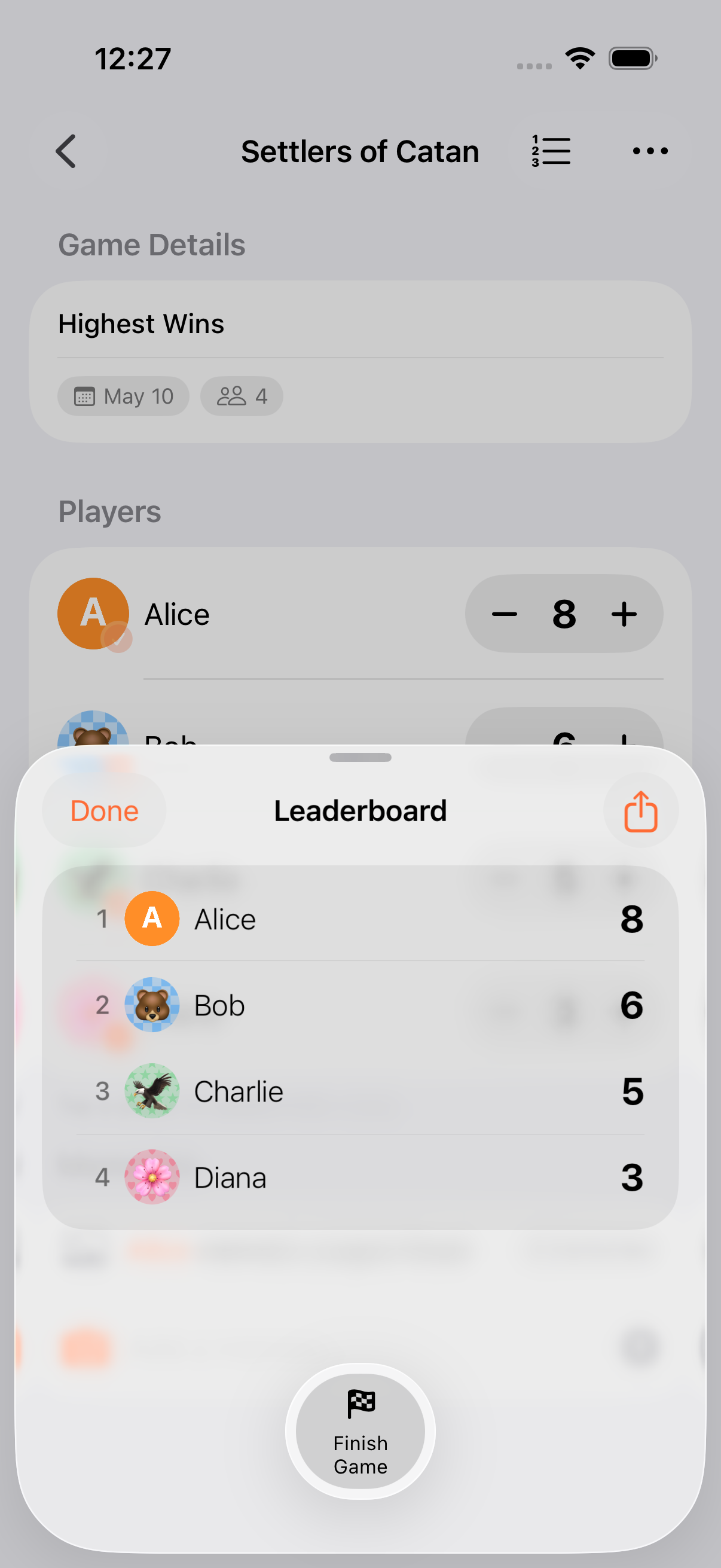
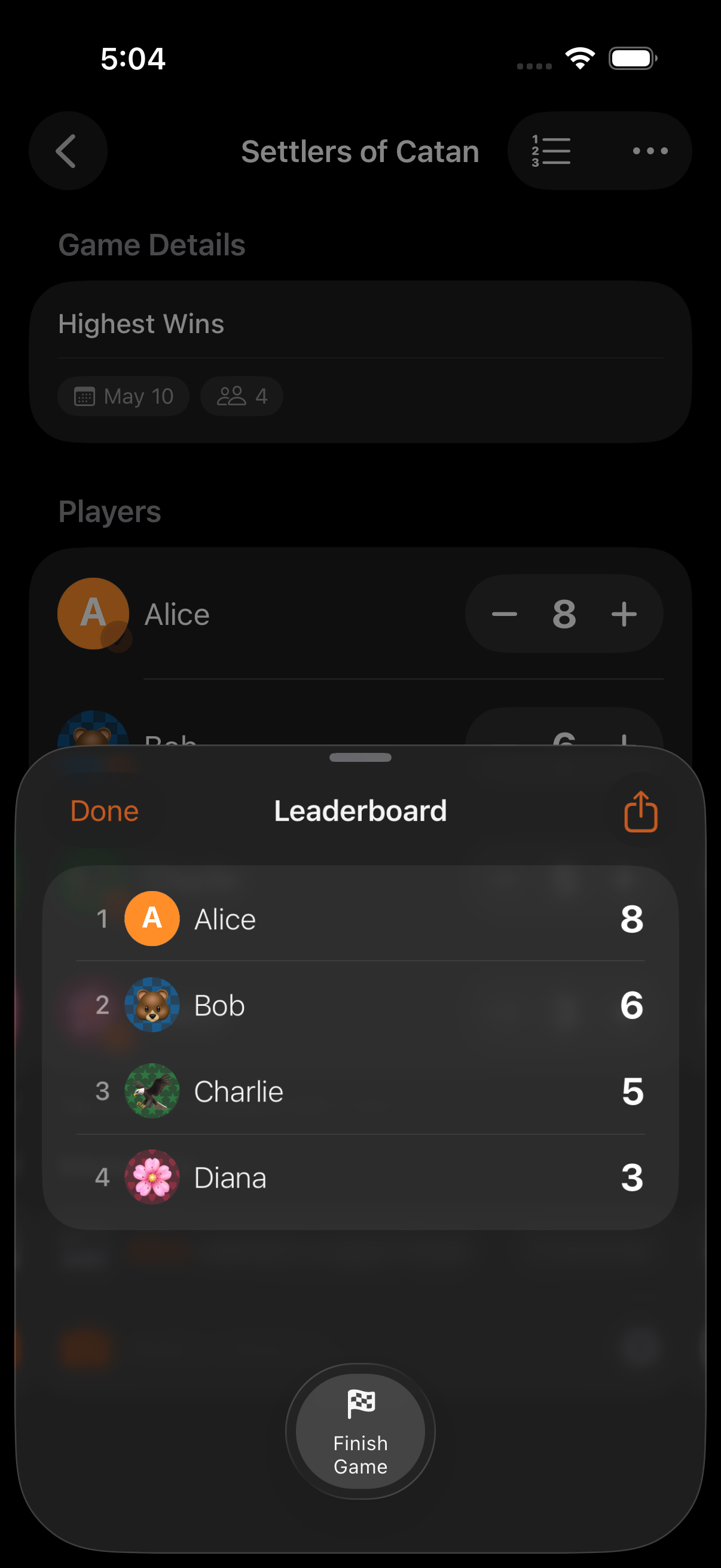
Section titled “Finish a Game”- If you set an end condition (target score, total scored, timed game, or timed round) the game finishes automatically when the condition is met
- To finish manually, open the game menu and tap Finish Game
- A confetti celebration (180 particles, 3 seconds) marks the winner, respecting Reduce Motion
- Start with defaults: all scoring options can be changed later from the game menu’s Edit Game screen
- Swipe left on a game in the list to delete it (soft-delete, recoverable for 30 days from Settings → Data → Recently Deleted)
- Use the filter bar to switch between All, Playing, and Finished
- Pin a game so it stays at the top of the list and powers the Pinned Game widget
What’s Next?
Section titled “What’s Next?”- Core Concepts: The building blocks of the app
- Scoring: Calculator, score modes, units, and history
- Rounds & Timers: Round-based play and countdown timers
- AirPlay: Cast a dedicated leaderboard to your TV
Round2of49