
Managing Players
Keeping Score! gives you full control over your participant list: before, during, and after the game.
Adding Players
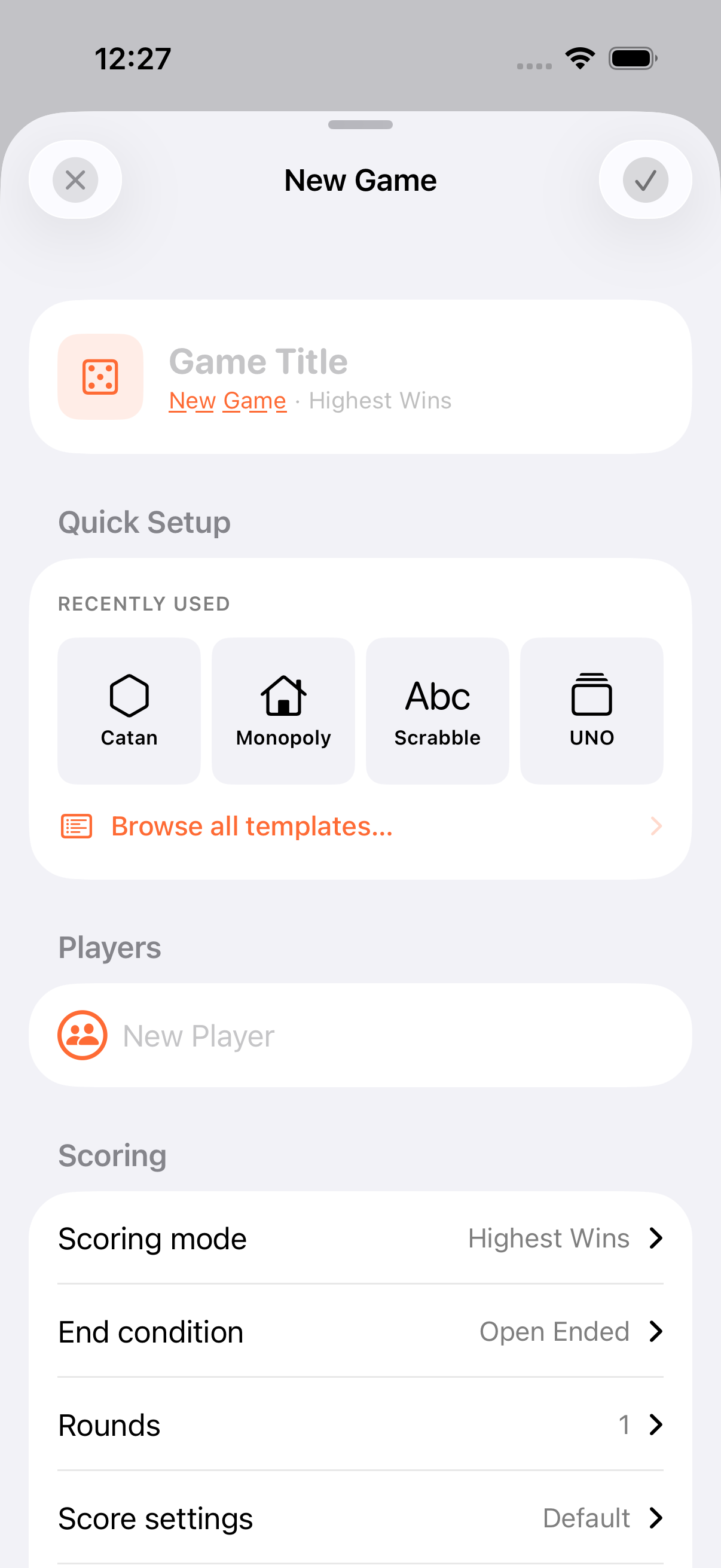
Section titled “Adding Players”When creating a game:
- Type a name: Up to 50 characters
- Pick a persona: Tap the persona picker to add from your saved personas
- Minimum: Every game needs at least 2 participants (players or teams)
Renaming
Section titled “Renaming”Tap a player’s name inline to rename them. Names are limited to 50 characters.
Reordering
Section titled “Reordering”Drag and drop players to change their order. Player order affects the gameplay layout and dealer position reference.
Shuffling
Section titled “Shuffling”Randomise the player order from the game menu. Handy for deciding who goes first. Scores, rankings, and the dealer position are preserved.
Eliminating
Section titled “Eliminating”During gameplay, you can eliminate a participant who’s been knocked out:
- Eliminated players are excluded from rankings but keep their scores
- They can be restored from the Edit Players view
- The dealer automatically skips eliminated players
Deleting
Section titled “Deleting”- Individual: swipe left on a player in the Edit Players view
- Bulk: multi-select and tap the trash icon
Deleting is permanent for this game. The player and their scores are removed.
Dealer & Turn Tracking
Section titled “Dealer & Turn Tracking”The app keeps a single dealer flag at any time. You can mark any participant as the current dealer, and the indicator moves to that participant. Advancing the dealer steps through active players and automatically skips anyone eliminated. The dealer position is preserved when you reorder or shuffle.
Badges
Section titled “Badges”Award achievement badges manually to any participant. There are 12 in total:
| Set | Badges |
|---|---|
| Regular | MVP, Comeback, Sharpshooter, Strategist, Lucky, Good Sport |
| Kids | Superstar, Great Try, Most Fun, Helper, Brave, Creative |
Badges appear on the leaderboard and on share cards.
- Save regulars as personas so you never retype their names
- Eliminate rather than delete knocked-out players so their scores stay on the leaderboard
- Shuffle is great for randomising first-player order without losing anyone’s position
Related Features
Section titled “Related Features”- Personas: Reusable profiles for your regulars
- Teams: Group participants together
- Rounds: Per-round scoring with participant snapshots
Is there a maximum number of players?
Section titled “Is there a maximum number of players?”There’s no hard upper limit. The app handles any number. The interface is optimised for typical board game sizes, and the AirPlay display shows up to 12 players in full view with a “+N” indicator for larger groups.
Can I add players to a game that’s already started?
Section titled “Can I add players to a game that’s already started?”Yes. Open the Edit Players view from the game menu to add, remove, or reorder players at any time.
Does shuffling affect scores?
Section titled “Does shuffling affect scores?”No. Shuffling only changes the display order. All scores, rankings, and dealer position are preserved.