
Sharing & Export
Share your game results with friends or export detailed data for analysis.
Share formats
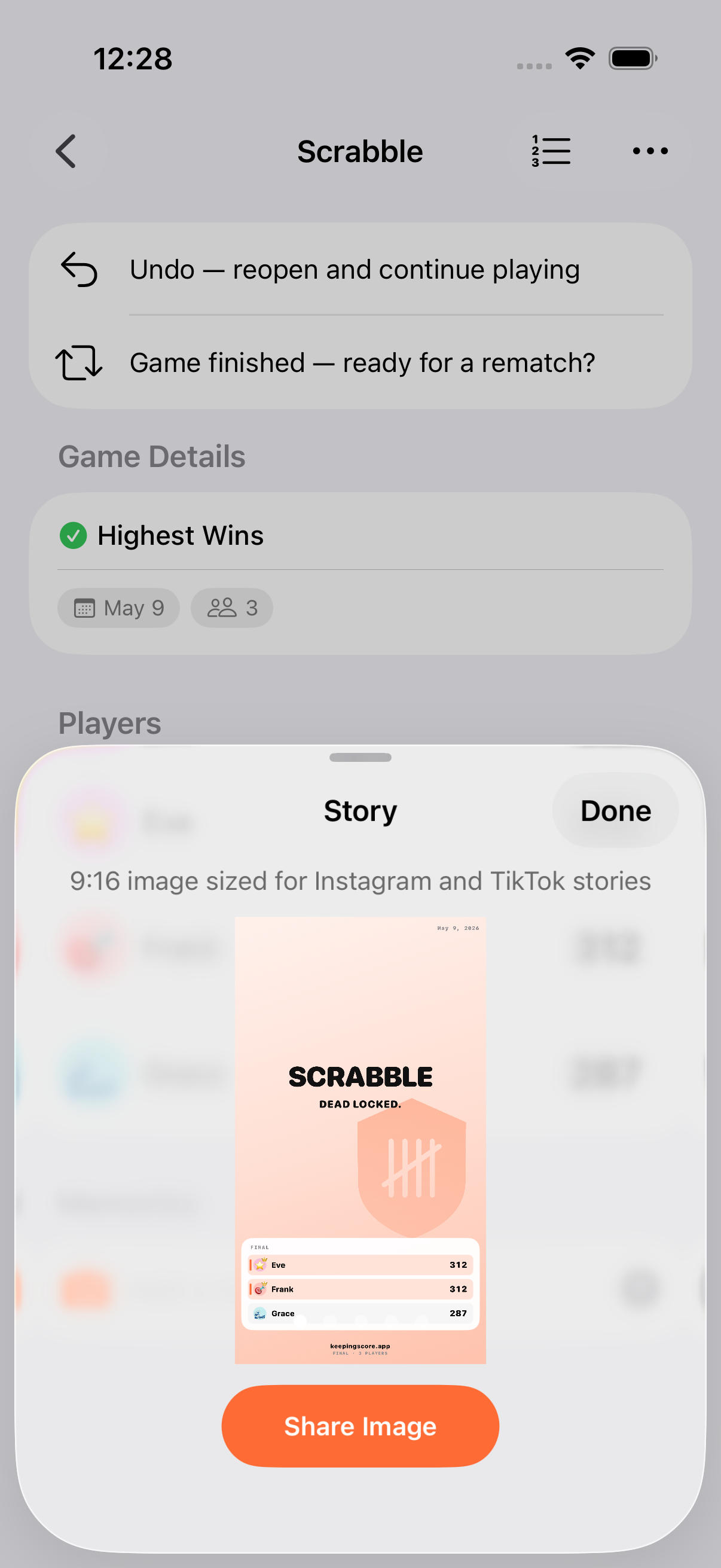
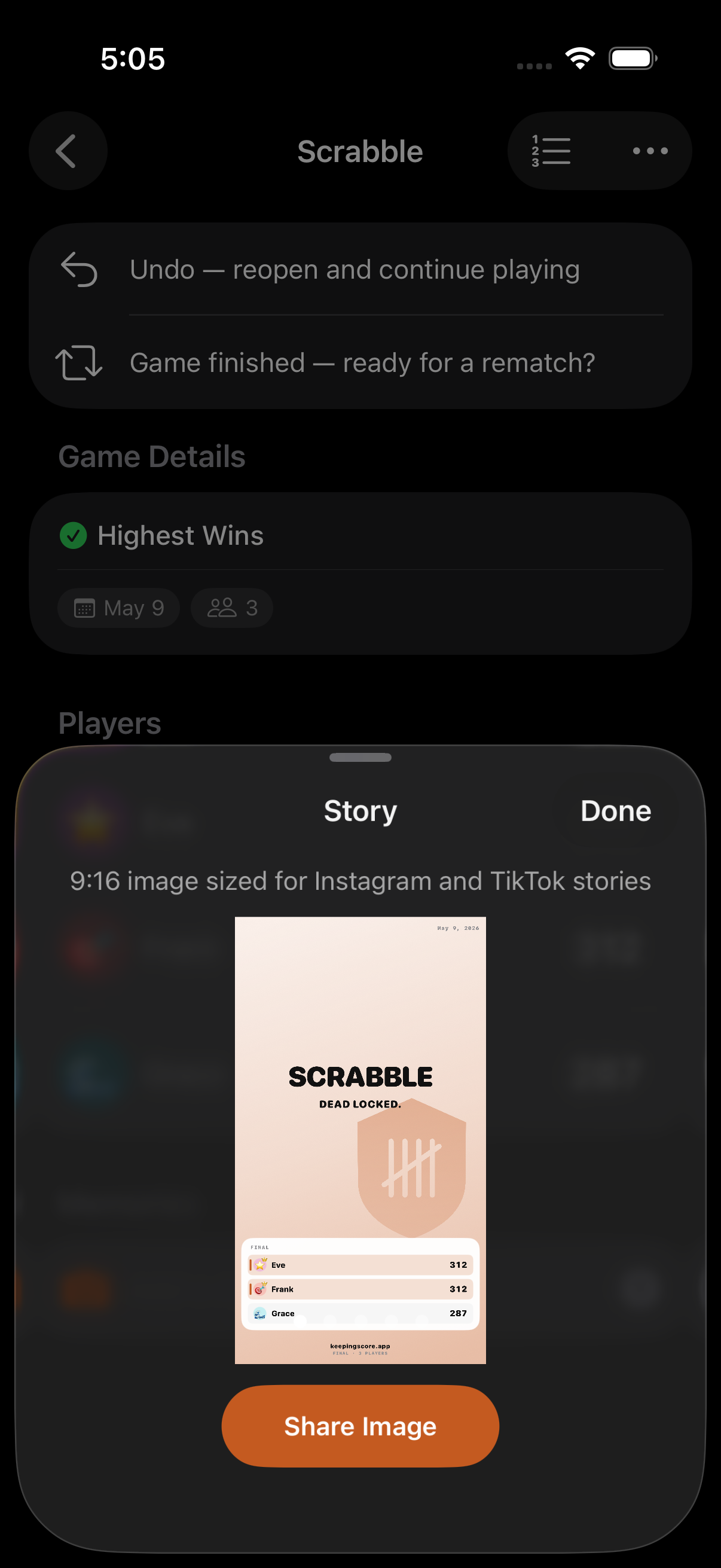
Section titled “Share formats”The share sheet offers six formats: three image cards plus three data exports:
| Format | Output | Best for |
|---|---|---|
| Story Card | 9:16 image | Instagram / TikTok stories. Hero photo plus leaderboard. Default. |
| Polaroid | Square image | A photo card with caption strip. Pulls the pinned hero memory photo when one’s set. |
| Score Card | Square image | Compact leaderboard with branded watermark and camera stamp: the data-first option. |
| Text Summary | Plain text | Messaging apps and group chats. |
| CSV | File | Spreadsheets. See Data Export below. |
| JSON | File | Programmatic use. See Data Export below. |
Working with hero memories
Section titled “Working with hero memories”If you pin a photo memory as the hero for a game, it becomes the cover photo on the Story Card and Polaroid variants. With no pinned hero, the most recent photo memory is used; with no photos at all, the Story and Polaroid variants fall back to a typographic layout. The Score Card is photo-free by design.
Card details
Section titled “Card details”- Rendered at 2× scale for crisp images on any screen.
- Show player rankings, scores, and the game title; the Polaroid adds a caption strip with the hero memory’s caption.
- A text summary is included alongside the image, so a single share-sheet action drops both into Messages.
Data Export
Section titled “Data Export”Export detailed game data for external analysis:
CSV Export
Section titled “CSV Export”Tabular data suitable for spreadsheets (Numbers, Excel, Google Sheets). The format adapts to the game type:
Simple games
- Columns: Rank, Player/Team, Score
Round-based games
- Columns: Player/Team, Round 1, Round 2, …, Total
Team games with individual scoring
- Columns: Rank, Team, Score, Members (with individual scores)
The CSV also includes a metadata header (title, date, status, scoring unit) and any memories.
JSON Export
Section titled “JSON Export”Structured data for programmatic use. Includes:
- Full game metadata (title, date, scoring mode, end condition, all settings)
- Player and team details with scores
- Round-by-round data
- Memory entries with timestamps (ISO 8601)
Bulk Export
Section titled “Bulk Export”Export multiple games at once as a single JSON file. The export wraps all selected games with an export timestamp, useful for archiving a whole tournament or season.
How to Export
Section titled “How to Export”- Open the game menu (or multi-select from the game list for bulk export)
- Tap Export
- Choose CSV or JSON
- Share the file via the system share sheet
- CSV is best for quick analysis in a spreadsheet
- JSON is best for developers or importing into other tools
- Share cards are great for group chats after a game
- Scores are formatted as whole numbers when possible, with one decimal place for fractional scores
- All dates use ISO 8601 format in JSON exports
Related Features
Section titled “Related Features”- Finishing Games: Share after completing a game
- Rounds: Round data in exports
- Categories: Category scores in exports
What’s included in the export?
Section titled “What’s included in the export?”Player names, scores, rankings, round data (if applicable), category scores, game metadata (title, date, scoring mode, end condition), and notes.
Can I import data back into the app?
Section titled “Can I import data back into the app?”Export is primarily designed for analysis and record-keeping. For full-device backup and restore (which does round-trip), see Backup & Restore.
What format should I use?
Section titled “What format should I use?”Use CSV if you want to open the data in a spreadsheet. Use JSON if you’re a developer or need structured data for another tool.