
Live Activities
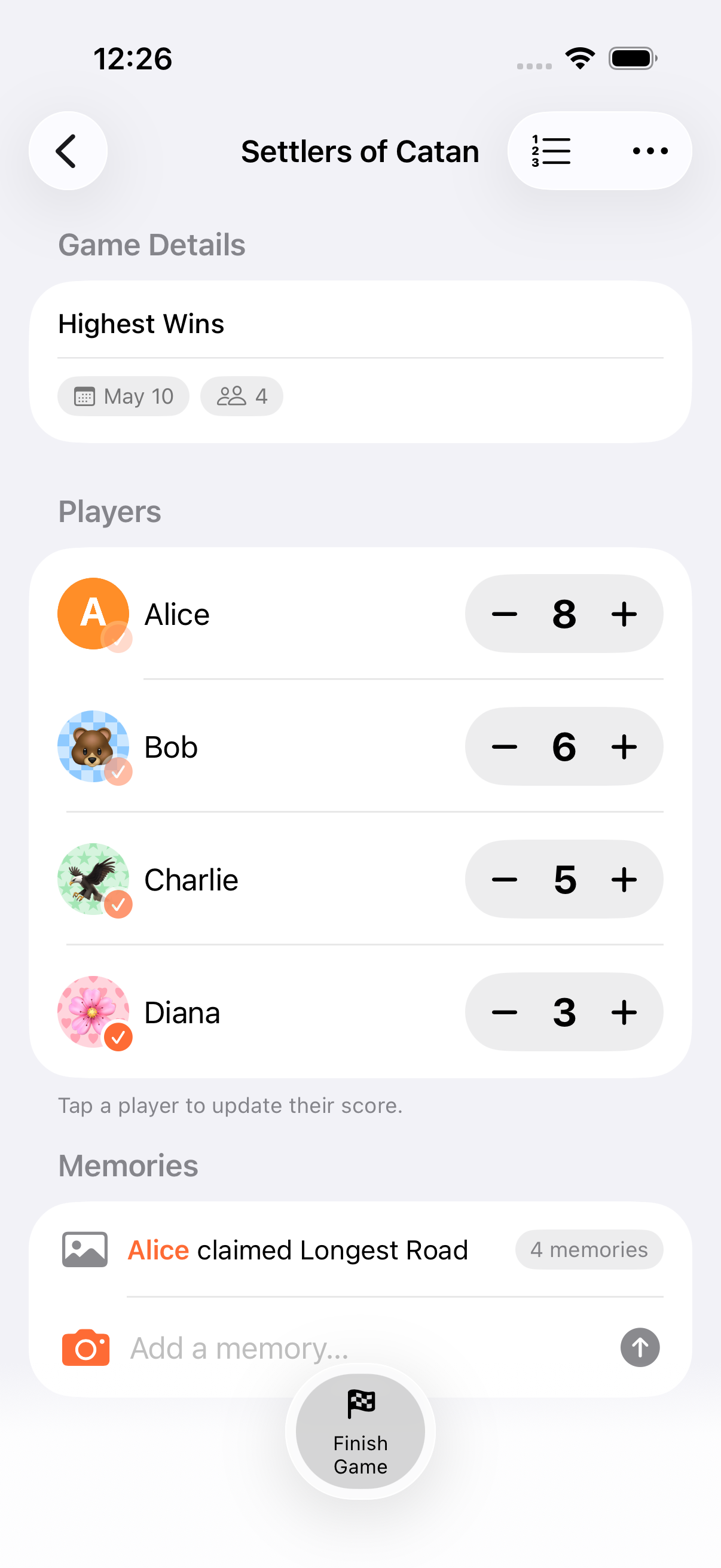
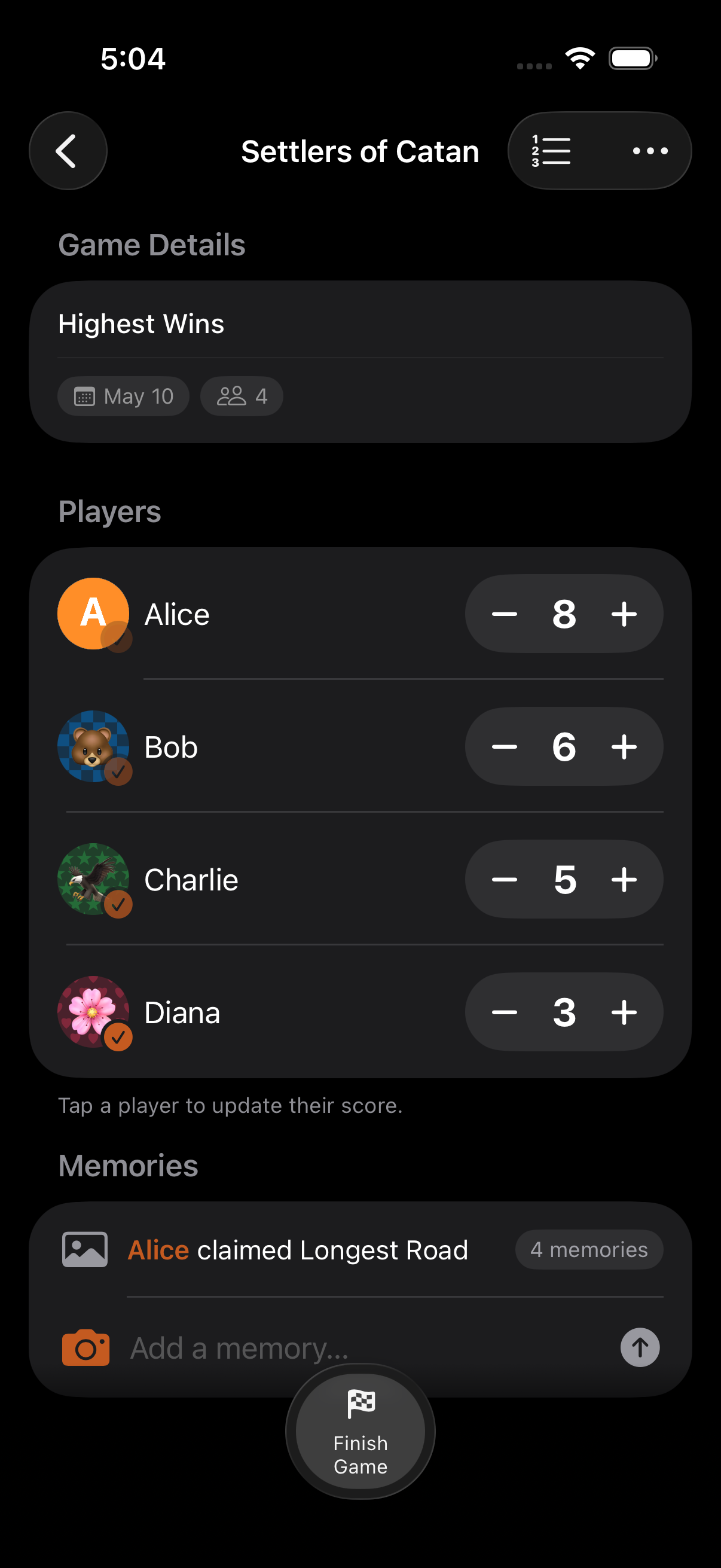
Live Activities bring your game scores and timer countdown to the Lock Screen and Dynamic Island, so you can check the game at a glance.
Live Activities are a read-only glance surface. They update in real time as you score in the app, but you can’t tap them to score or start the timer. For hands-free actions, use the Control Center controls or Siri Shortcuts.
Lock Screen
Section titled “Lock Screen”The Lock Screen Live Activity shows:
- Game title
- Player scores: up to 4 players
- Timer countdown: for timed games, a live countdown display
Dynamic Island
Section titled “Dynamic Island”On devices with Dynamic Island, the Live Activity appears in three presentations:
Compact View
Section titled “Compact View”A minimal display showing the game’s score summary in the pill at the top of the screen.
Expanded View
Section titled “Expanded View”Tap and hold the Dynamic Island to expand it and see:
- Game title in the center
- Player list with scores (up to 4)
- Timer countdown for timed games
Minimal View
Section titled “Minimal View”When other activities are competing for the Dynamic Island, a minimal view shows the app icon.
- Live Activities work alongside widgets. Use both for maximum visibility
- For hands-free timer control, add the Toggle Timer Control Center control. It’s the fastest way to start or pause a running timer without opening the app
- Live Activities update in real-time as scores change
- For games with more than 4 players, the top 4 by current rank are shown
Related Features
Section titled “Related Features”- Widgets: Home Screen and Lock Screen score display
- Timers: Timer countdown details
- AirPlay: TV display for the whole room
How many players show in the Live Activity?
Section titled “How many players show in the Live Activity?”Up to 4 players. For larger games, the top 4 by current rank are displayed.
Do Live Activities drain battery?
Section titled “Do Live Activities drain battery?”Live Activities are designed by Apple to be power-efficient. They use minimal resources and update only when scores or timer state change.
How do I start a Live Activity?
Section titled “How do I start a Live Activity?”Live Activities start automatically when you have an active game. No setup needed.