
Quick Scoring
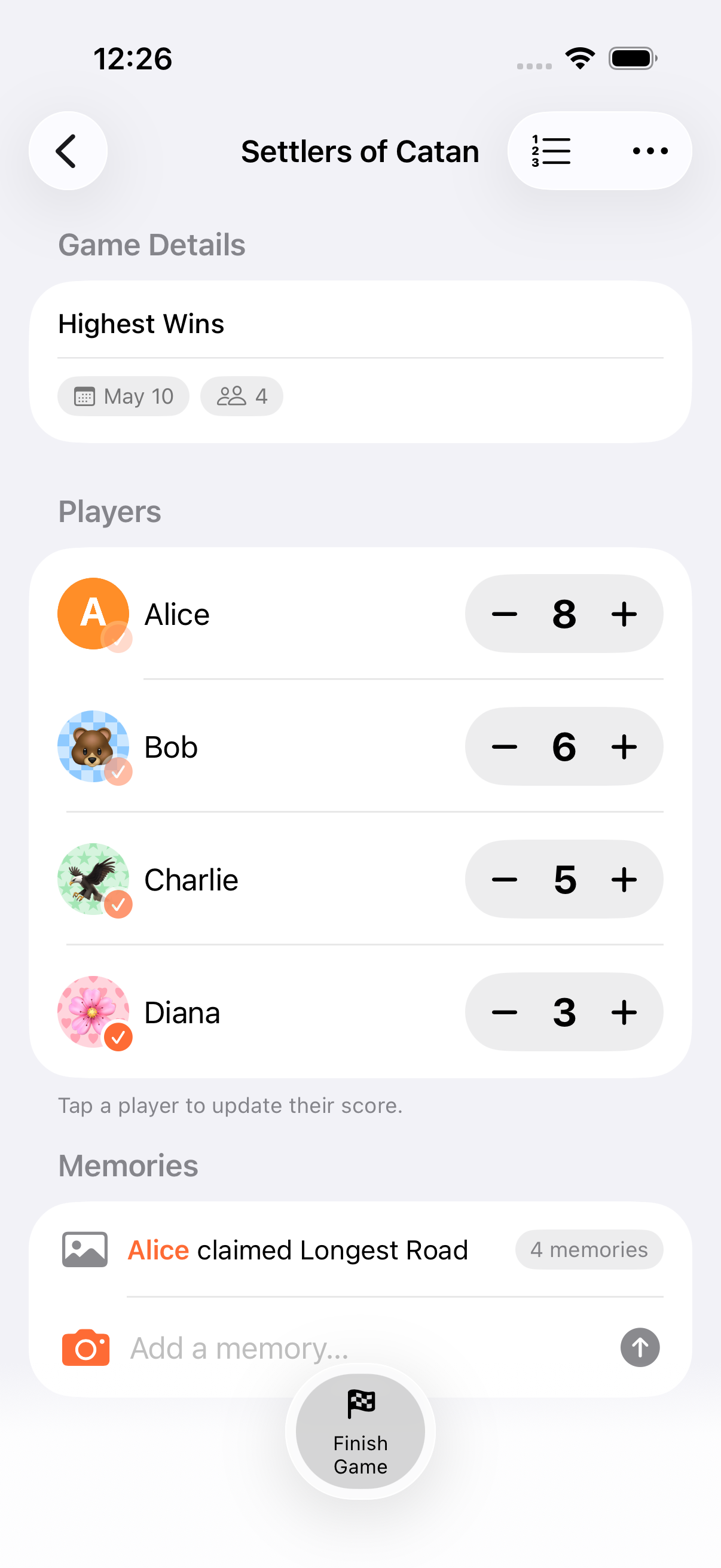
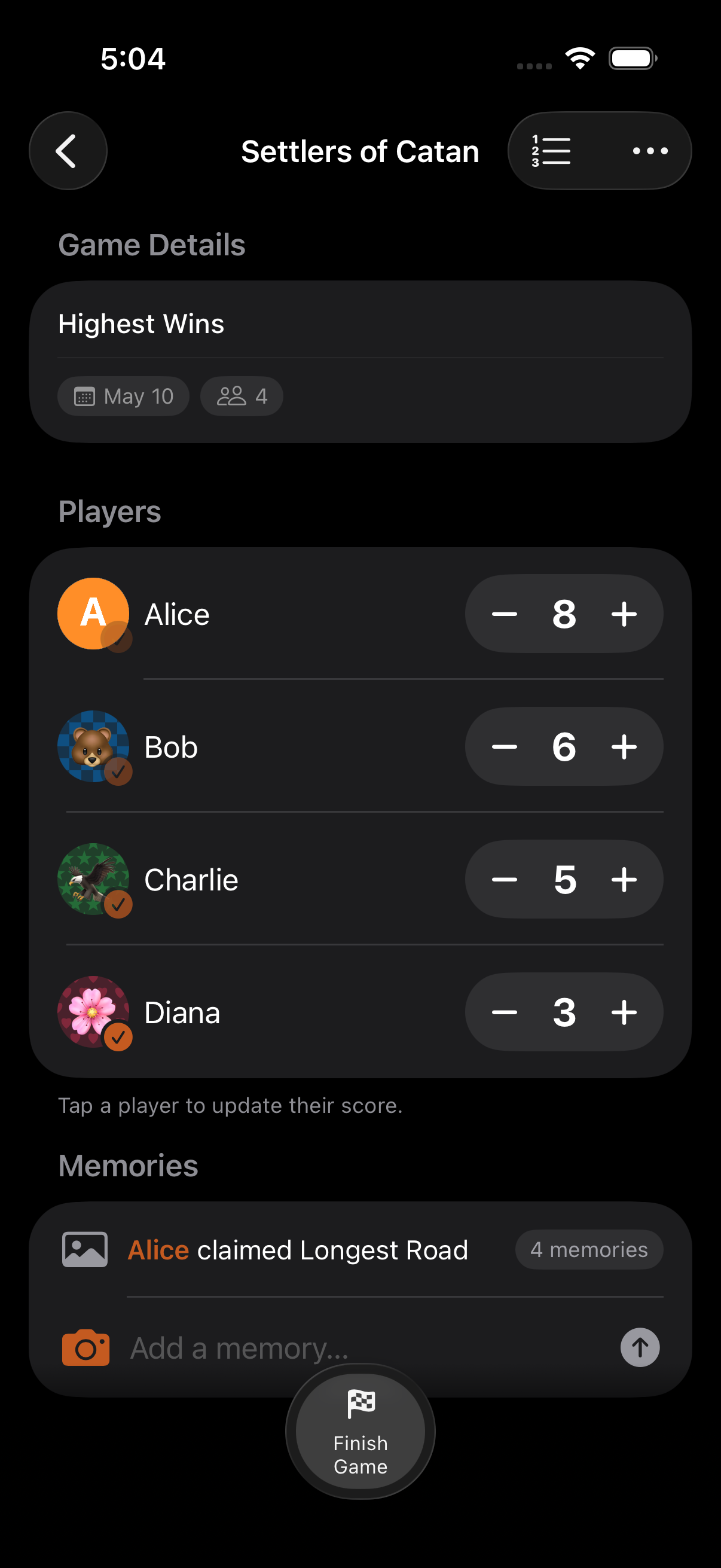
The fastest way to update scores. Every player row has + and − buttons for instant adjustments.
How It Works
Section titled “How It Works”- Find the player you want to score in the gameplay view
- Tap + to add points or − to subtract
- The score updates immediately
Score Increment
Section titled “Score Increment”The increment amount determines how much each tap adds or subtracts. Set it when creating the game:
- Default: 1 point per tap
- Custom: Any configurable increment (e.g., 5, 10, 50, 100)
This is perfect for games where scores change by fixed amounts. Set the increment to 5 for a game where everything is worth 5 points, and each tap handles it.
Scoring Direction
Section titled “Scoring Direction”Choose how scores change:
| Direction | Behavior | Example |
|---|---|---|
| Count Up | Scores increase from the starting value (default) | Most board games |
| Count Down | Scores decrease from the starting value | Darts 501 |
Starting Score
Section titled “Starting Score”Set any initial score value when creating the game. The default is 0, but you can start at any number, useful for countdown games like Darts where everyone starts at 501.
- Quick scoring is the fastest way to update scores during fast-paced games
- For more complex adjustments (like adding 15 + 3 × 2), tap the player row to open the calculator
- The increment applies to all players in the game. It can’t be set per-player
Related Features
Section titled “Related Features”- Calculator: For complex arithmetic scoring
- Scoring Modes: Choose how winners are determined
- Scoring Units: Display scores with currency or custom symbols
Can I change the score increment mid-game?
Section titled “Can I change the score increment mid-game?”No. The increment is set when you create the game and stays fixed throughout. If you need a different adjustment amount, use the calculator for one-off changes.
What’s the difference between Count Down and Lowest Wins?
Section titled “What’s the difference between Count Down and Lowest Wins?”Count Down is a scoring direction: it controls whether the + button adds or subtracts. Lowest Wins is a scoring mode: it determines who wins. You can combine them or use them independently.