
Family Game Night
Here’s how a typical family game night flows with Keeping Score!, from creating a game to sharing the final results.
The Scenario
Section titled “The Scenario”It’s Friday night. The family is playing Catan. Four players, highest score wins, and you want to show the leaderboard on the TV.
Step 1: Create the Game
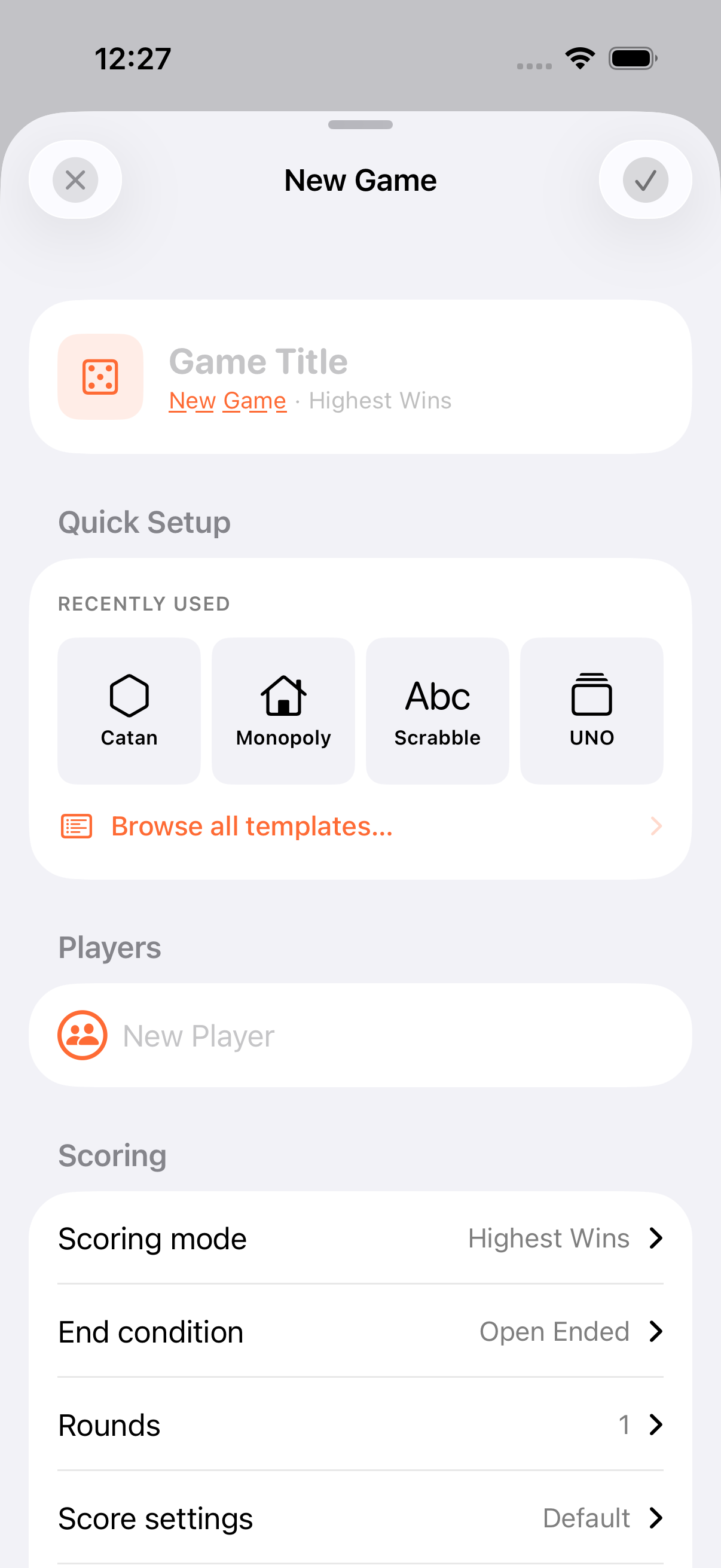
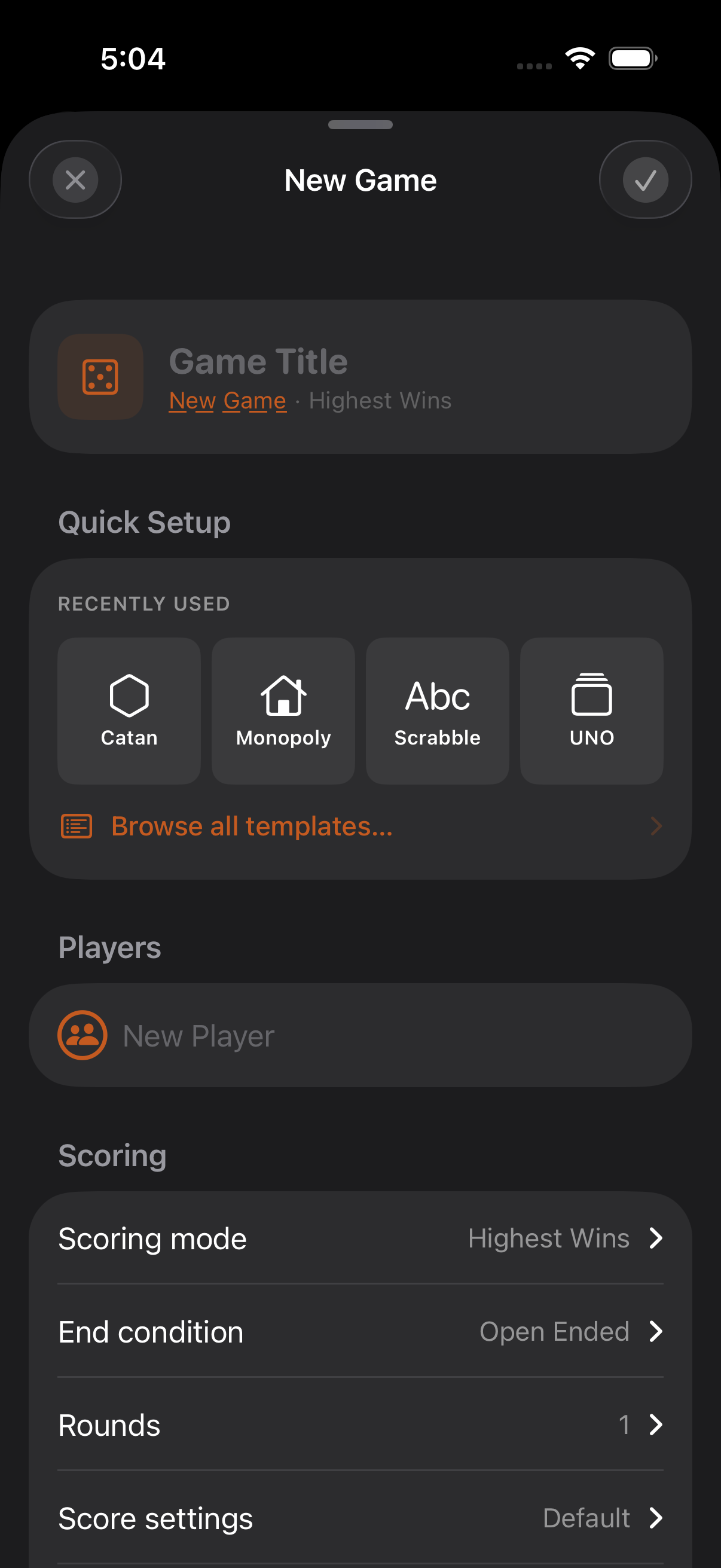
Section titled “Step 1: Create the Game”- Tap + to create a new game
- Title it “Catan” (or pick Catan from the template library: it’s one of 127 built-ins)
- Add family members. If they’re saved as personas, the persona picker adds them in one tap
- Leave scoring mode as Highest Wins and set Target Score to 10 (Catan’s win condition)
- Tap the checkmark to start
Step 2: Cast to the TV
Section titled “Step 2: Cast to the TV”With an Apple TV or AirPlay display nearby:
- AirPlay your iPhone to the TV
- A dedicated, TV-optimised leaderboard appears, not a mirror of your phone
- Dark theme, large fixed fonts, responsive layout that adapts to player count (single column up to 6, dual column 7–12, overflow indicator beyond 12)
The TV keeps showing the game even when you navigate to other screens on your phone. Leader changes trigger a 3-second coin-flip animation, and the winner celebration is a four-stage reveal with confetti at 3× scale.


See AirPlay for details.
Step 3: Score as You Play
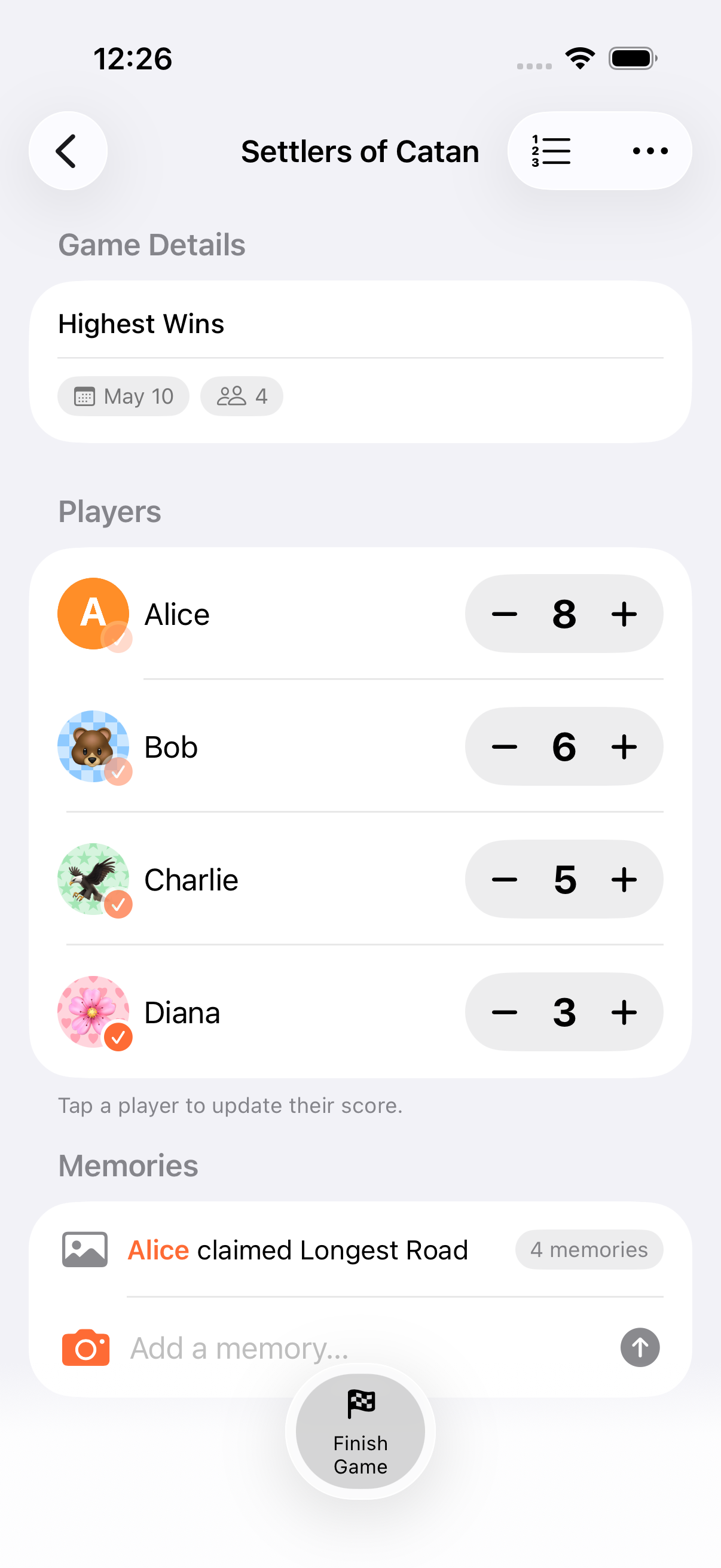
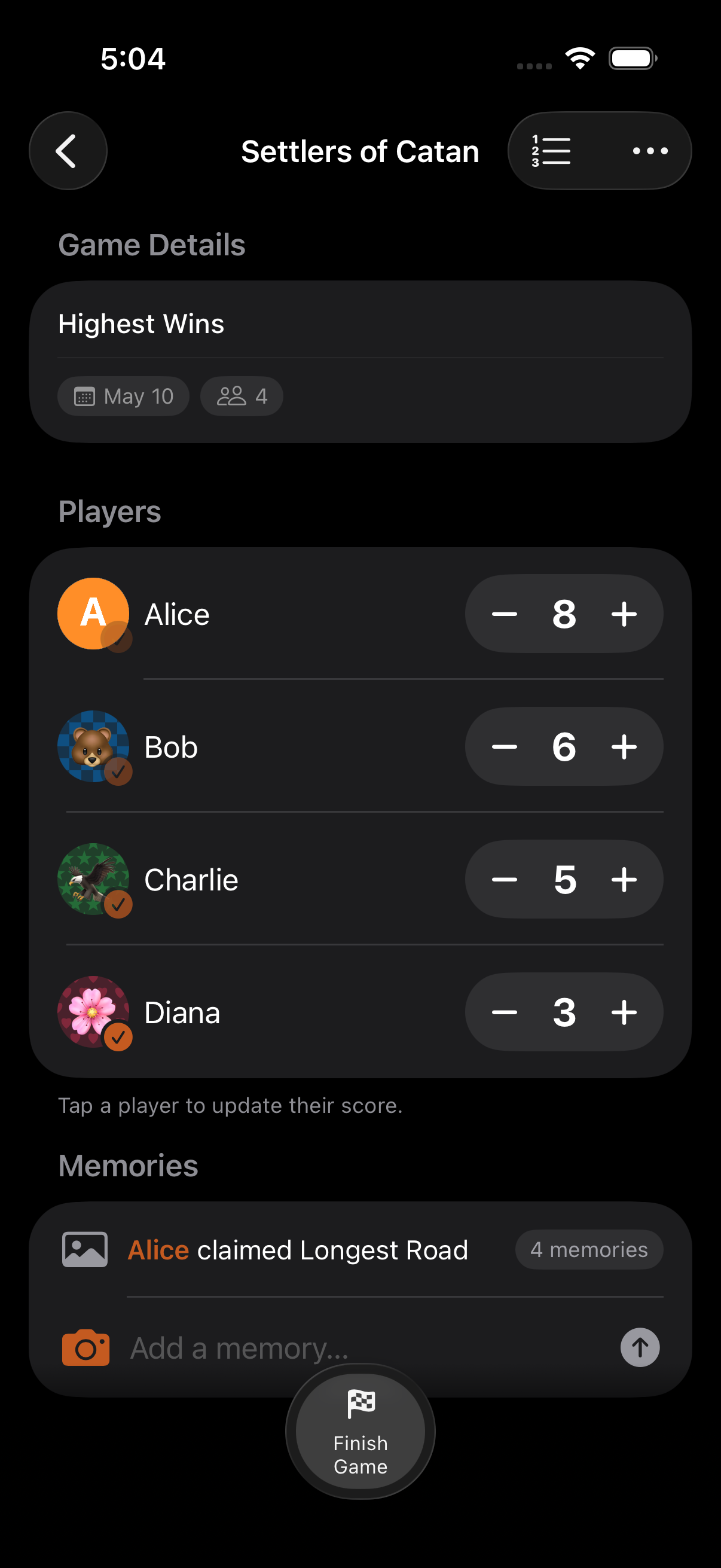
Section titled “Step 3: Score as You Play”Update scores as victory points are earned:
- Quick tap: The + button on each row adds one point (or your configured increment)
- Calculator: Tap a player row for multi-step math:
1 + 2 + 2for a settlement, road, and longest road in one go - Game notes: Jot down memorable moments from the game menu; they’re auto-tagged with the current round
Step 4: Finish the Game
Section titled “Step 4: Finish the Game”Because Target Score is set to 10, the game finishes automatically the moment someone reaches 10 points. You can also finish manually from the game menu.
Confetti celebrates the winner, rank 1 is highlighted, and final ranks are stored with the game.
Step 5: Share the Results
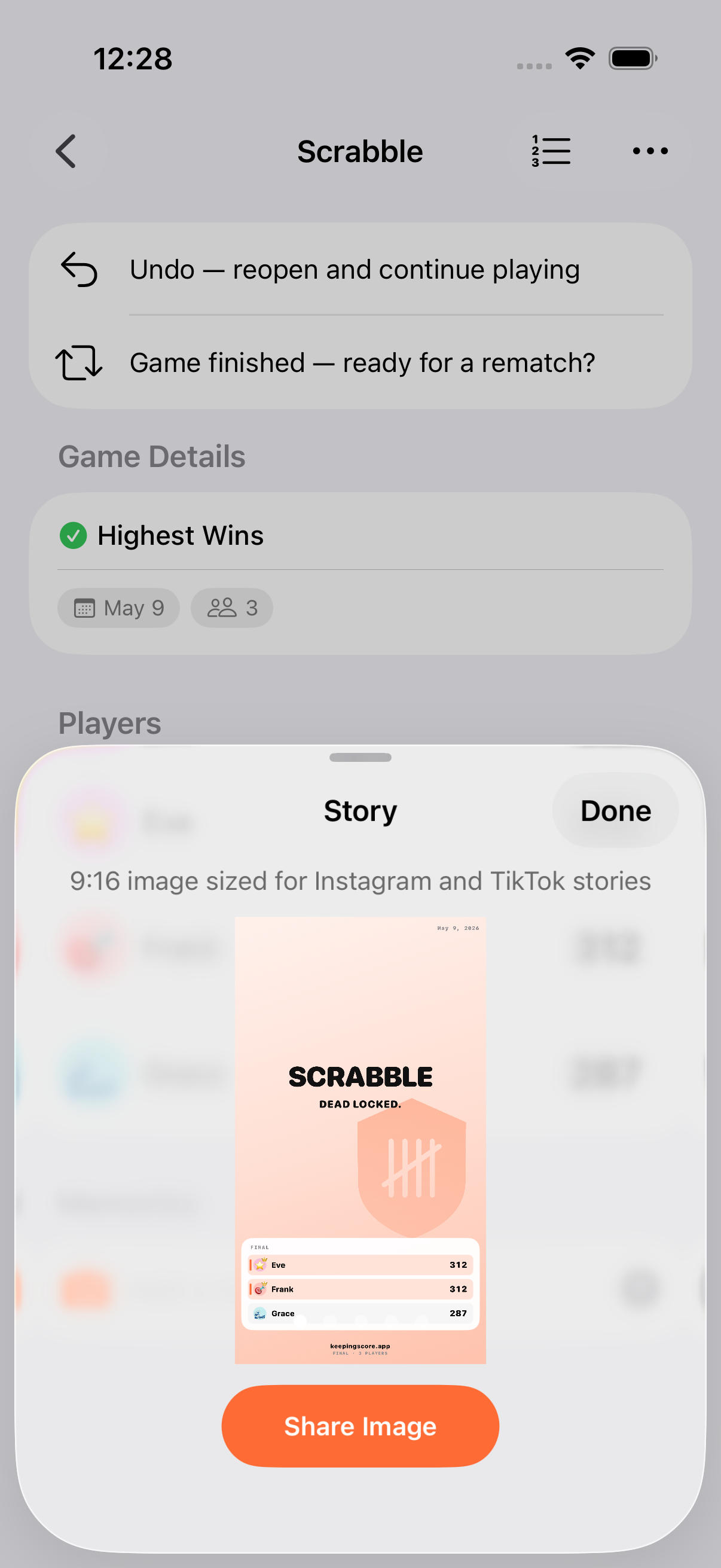
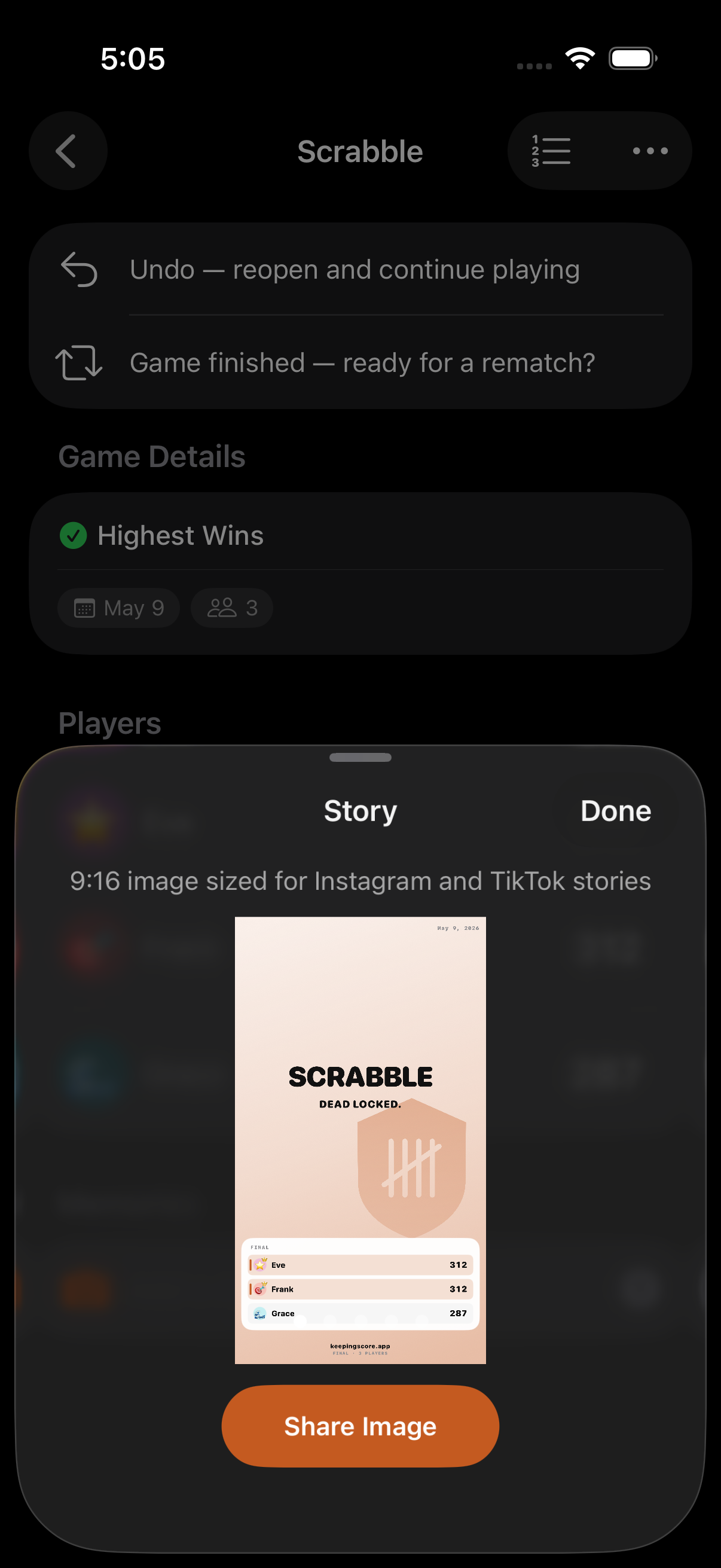
Section titled “Step 5: Share the Results”- Tap Share from the game menu
- A share card is generated at 2× scale with the final scores, ranks, and game title
- Send via Messages, WhatsApp, or any share-sheet target. A text summary is included
Want the raw data? Export from the game menu as CSV or JSON (notes included).
Make It a Regular Thing
Section titled “Make It a Regular Thing”Save effort for next week:
- Create personas for each family member with emoji or photo avatars: no retyping names
- Set up a Game Collection for the evening to track wins across multiple games and crown an overall champion
- Pin the current game to power the Pinned Game widget and Live Activity
- Rematch to start next week’s game with the same roster in one tap
Related Guides
Section titled “Related Guides”- Quick Start: The basics
- Poker Night: Point Exchange, rounds, and collections
- Kids Birthday Party: Simplified scoring for young players