
Calendar
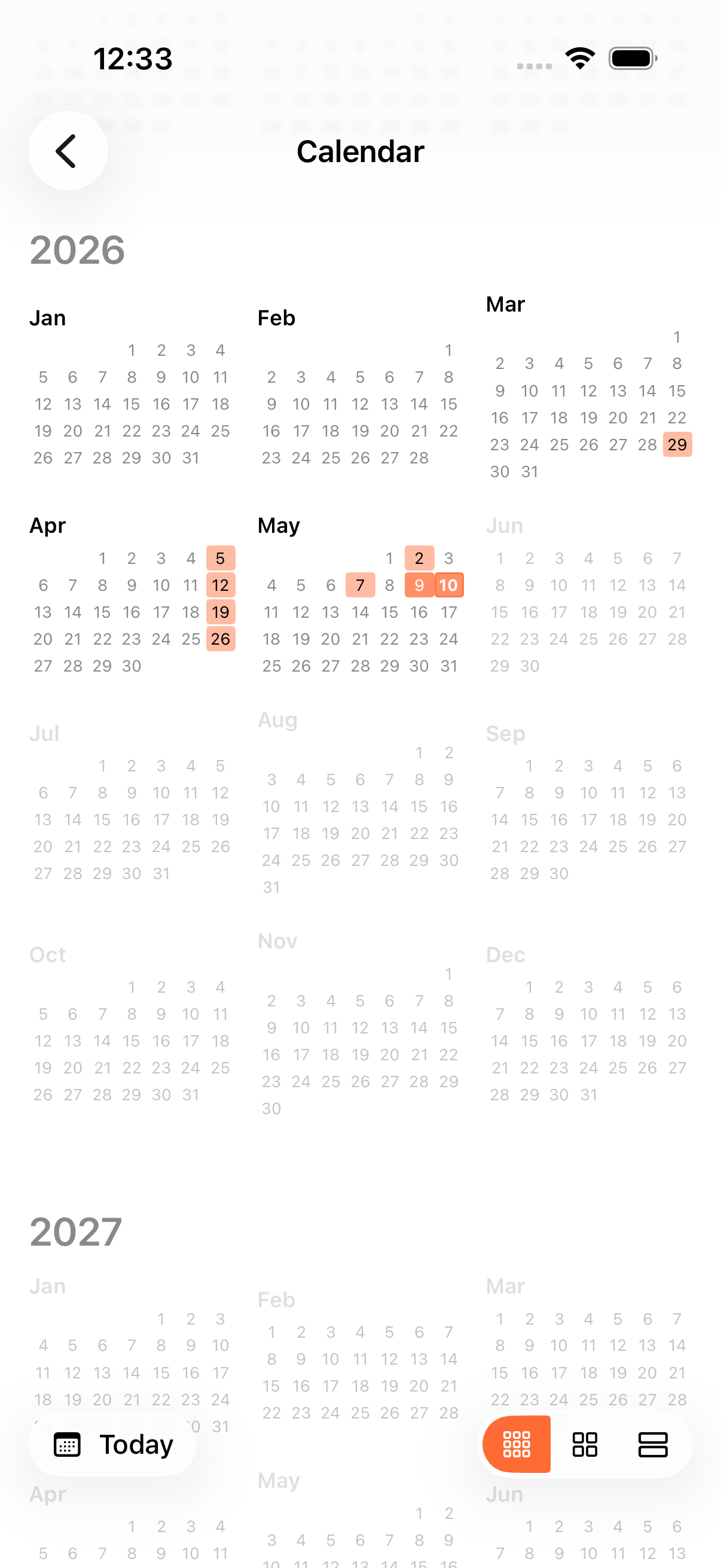
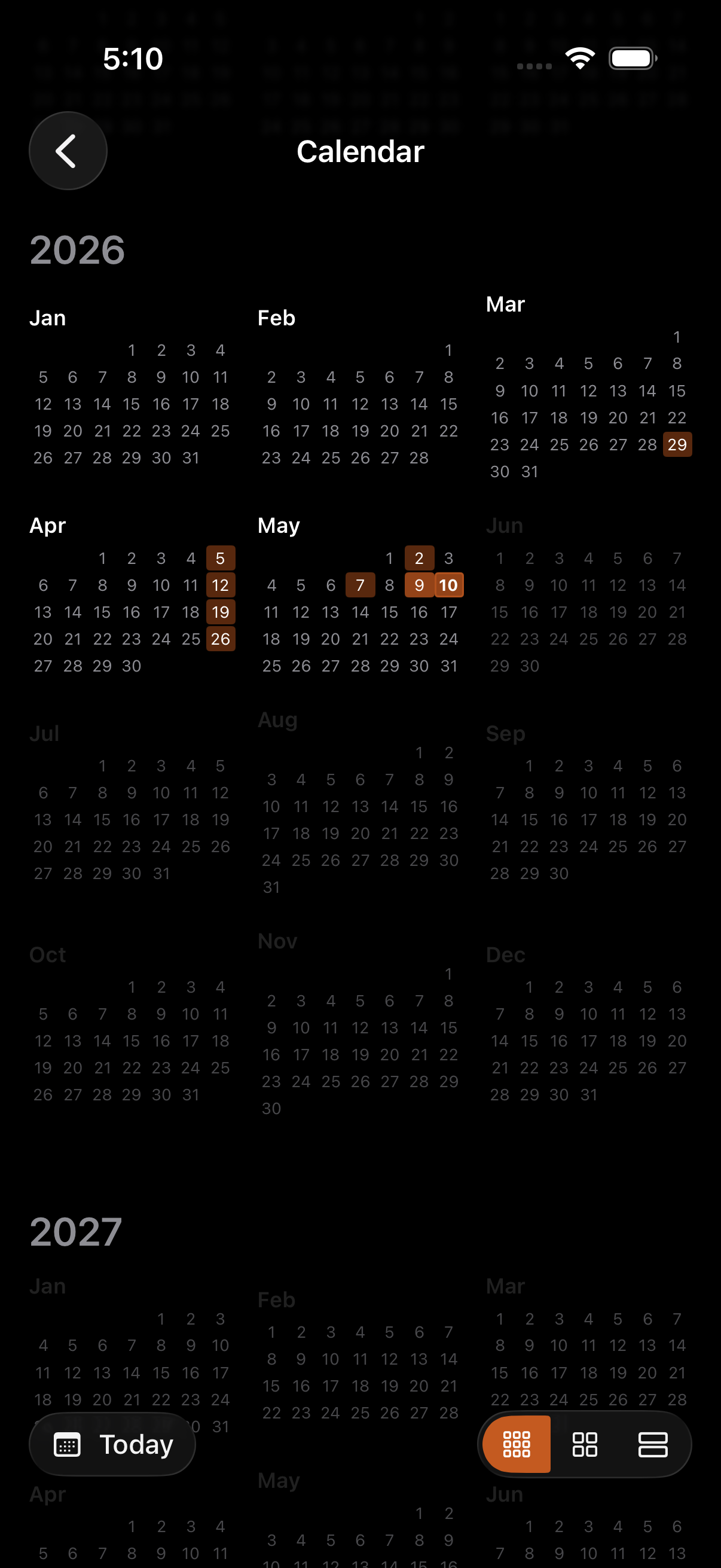
The Calendar is a heat-map view of your game history, accessible from the sidebar. Days where you played are shaded by activity; tap any day to see the games you played.
Three zoom levels
Section titled “Three zoom levels”| Zoom | What you see | Deep link |
|---|---|---|
| Year | 12 mini-months on a single screen | calendar/year |
| Month | A full month grid with one cell per day | calendar/month |
| Week | One row per day with that day’s games inline | calendar/week |
Switch zooms from the in-toolbar zoom switcher, or pinch with two fingers on the grid. The touched cell stays anchored as the zoom animates.
Heat colouring
Section titled “Heat colouring”Each day’s cell is shaded by the number of completed games on that date. Today is highlighted with an accent stroke so it’s easy to find no matter the zoom level. Empty days have no fill.
Date detail
Section titled “Date detail”Tap any cell to drill into a list of every game played on that date. From there you can open a game, share it, or jump back into one that’s still in progress.
Locale-aware
Section titled “Locale-aware”The calendar respects your iOS preferred calendar: Gregorian, Buddhist, Hebrew, Persian, Japanese, and others all work. Weekday ordering matches your locale (Sunday- or Monday-start, etc.), and year headers route through DateFormatter so non-Gregorian calendars display the correct era and year (KEE-707).
Performance
Section titled “Performance”The grid renders a synchronous skeleton scaffold so its shape is visible on the first frame. Heatmap counts fade in once the underlying query resolves. Useful for users with thousands of games.
- Pinch the grid with two fingers to zoom. The cell under your fingers stays put.
- Use the deep link
calendar/date/YYYY-MM-DDfrom a Shortcut to land on a specific date. - The Calendar pairs well with Your Journey. The journey’s heatmap shows streaks and milestones, the Calendar shows the full archive.
Related Features
Section titled “Related Features”- Your Journey: Streaks, achievements, and a 6-month activity heatmap
- Game Setup: How games end up on the calendar in the first place
- Spotlight Search: Another way to find a specific game
Does the calendar show every game I’ve ever played?
Section titled “Does the calendar show every game I’ve ever played?”Yes. Every completed game on this iCloud account, all the way back. Year zoom is the fastest way to scrub through history.
Why is one of my days uncoloured even though I played a game?
Section titled “Why is one of my days uncoloured even though I played a game?”The cell colours by completed games. Games you started but didn’t finish don’t count toward the heat shade until you mark them done.
Can I use a non-Gregorian calendar?
Section titled “Can I use a non-Gregorian calendar?”Yes. The calendar follows your iOS preferred calendar setting. Weekday labels, month boundaries, and year headers all adapt automatically.