
iCloud Sync
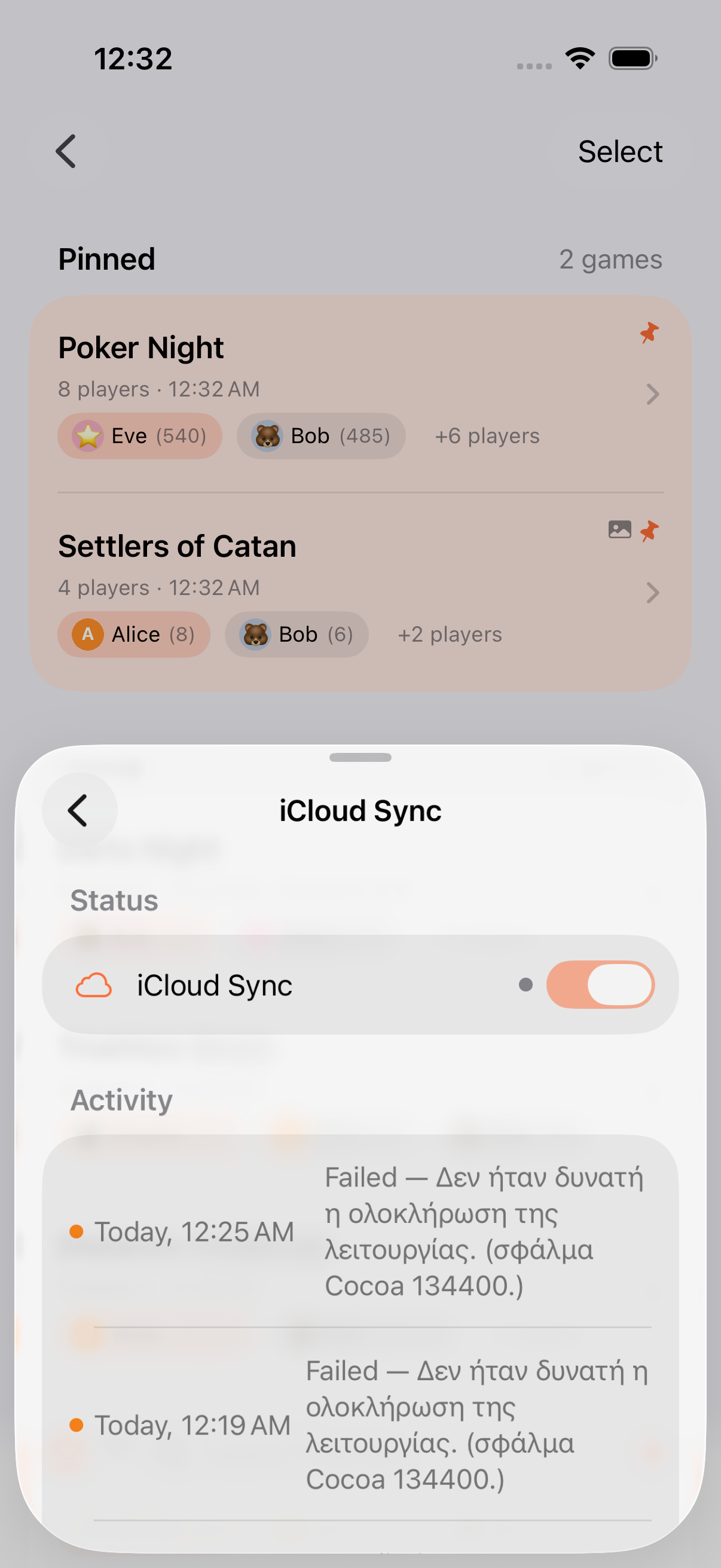
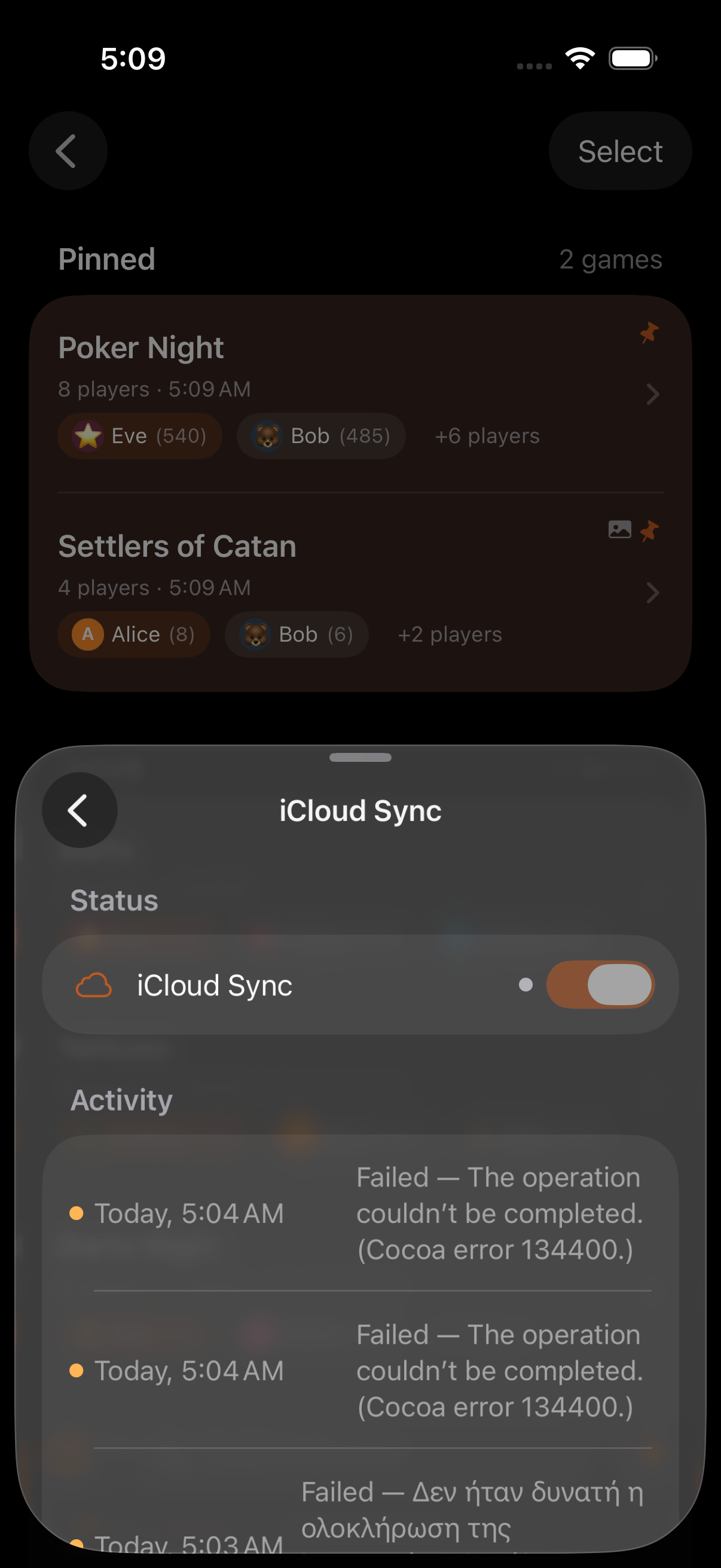
Keeping Score! automatically syncs all your data across devices via iCloud. No accounts to create, no settings to configure. If iCloud is enabled on your device, sync just works.
What Syncs
Section titled “What Syncs”Your gameplay data, via CloudKit:
- Games (scores, rounds, score history, notes)
- Players and teams
- Personas and persona groups (with avatars, colors, stats)
- Game Collections
- Custom game templates and category templates
Your preferences, via iCloud Key-Value Store:
- Selected app icon
- Sound event selections
- Kids Mode state and parental PIN
- TV display variant
- Your list of submitted diagnostic reports, so a Refresh on iPhone silences the pending follow-up reminder on iPad. The diagnostic Worker never sees this list; it lives entirely in your iCloud key-value store.
Onboarding completion is deliberately not synced. Each new device gets its own quick tour.
How It Works
Section titled “How It Works”Keeping Score! uses two Apple sync systems:
- CloudKit (
iCloud.app.keepingscore.KeepingScore.v1) for gameplay data. Always enabled on device. - iCloud Key-Value Store for small preferences.
Data is:
- Encrypted in transit and at rest by Apple
- Stored in your personal iCloud account, not accessible to the developer or any third party
- Synced automatically whenever your device is online
Deduplication & Cleanup
Section titled “Deduplication & Cleanup”When the same data is created on multiple devices before syncing (e.g., you create the same persona on your iPhone and iPad), the app merges duplicates automatically:
- Personas are matched by name (case-insensitive)
- The most customized version is kept (the one with avatar, color, etc.)
- All game references are updated to point to the merged persona
Because CloudKit’s cascade-delete isn’t always reliable across synced devices, Keeping Score! also runs background orphan cleanup at launch: sanitizing relationships first, then deleting orphaned records in a throttled second phase.
Recently Deleted
Section titled “Recently Deleted”Games and related records are soft-deleted first: they spend 30 days in Recently Deleted (Settings → Data) where you can restore or permanently remove them. After 30 days, background maintenance purges them for good.
- Sync is near-instant on a good connection, but may take a moment on slow networks
- If you see temporary duplicate personas, don’t worry. The app will merge them automatically
- iCloud storage usage is minimal (text data plus small persona photos)
- Deleted something by accident? Check Settings → Data → Recently Deleted before the 30-day window closes
Related Features
Section titled “Related Features”- Personas: Profiles that sync across devices
- Spotlight: Find synced data via search
- Privacy Policy: How your data is protected
Can I disable sync?
Section titled “Can I disable sync?”Yes. Go to Settings → [your name] → iCloud → Apps Using iCloud and toggle off Keeping Score! Your data will remain local to each device.
Does sync use much iCloud storage?
Section titled “Does sync use much iCloud storage?”Very little. Keeping Score! stores mostly text data plus optional small persona photos, so even hundreds of games use negligible iCloud storage.
What happens if I delete a game on one device?
Section titled “What happens if I delete a game on one device?”The deletion syncs to all devices, but the game spends 30 days in Recently Deleted first. You can restore it from any device during that window.
Does sync work between iPhone and iPad?
Section titled “Does sync work between iPhone and iPad?”Yes. Any device signed into the same iCloud account and with Keeping Score! installed will sync automatically.