
Sounds
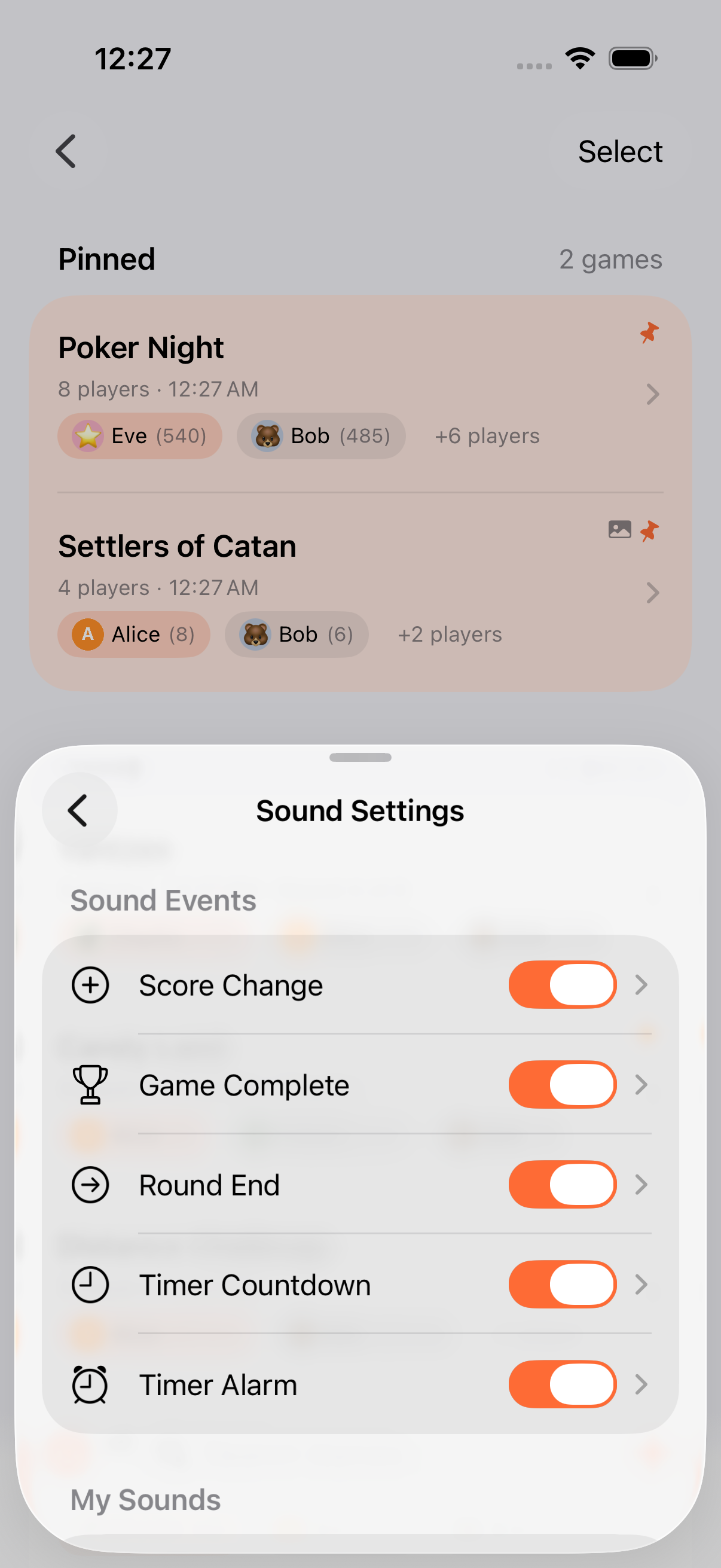
Keeping Score! plays sound effects for game events: score changes, round endings, game completions, and timer alerts. Every sound is customizable, and each event can be toggled on or off independently.
Sound Events
Section titled “Sound Events”The app triggers sounds for five different events:
| Event | When It Plays |
|---|---|
| Score Change | Any score adjustment |
| Game Complete | A game is marked finished |
| Round End | A round is committed |
| Timer Tick | Countdown approaching zero |
| Timer Expired | Timer reaches zero |
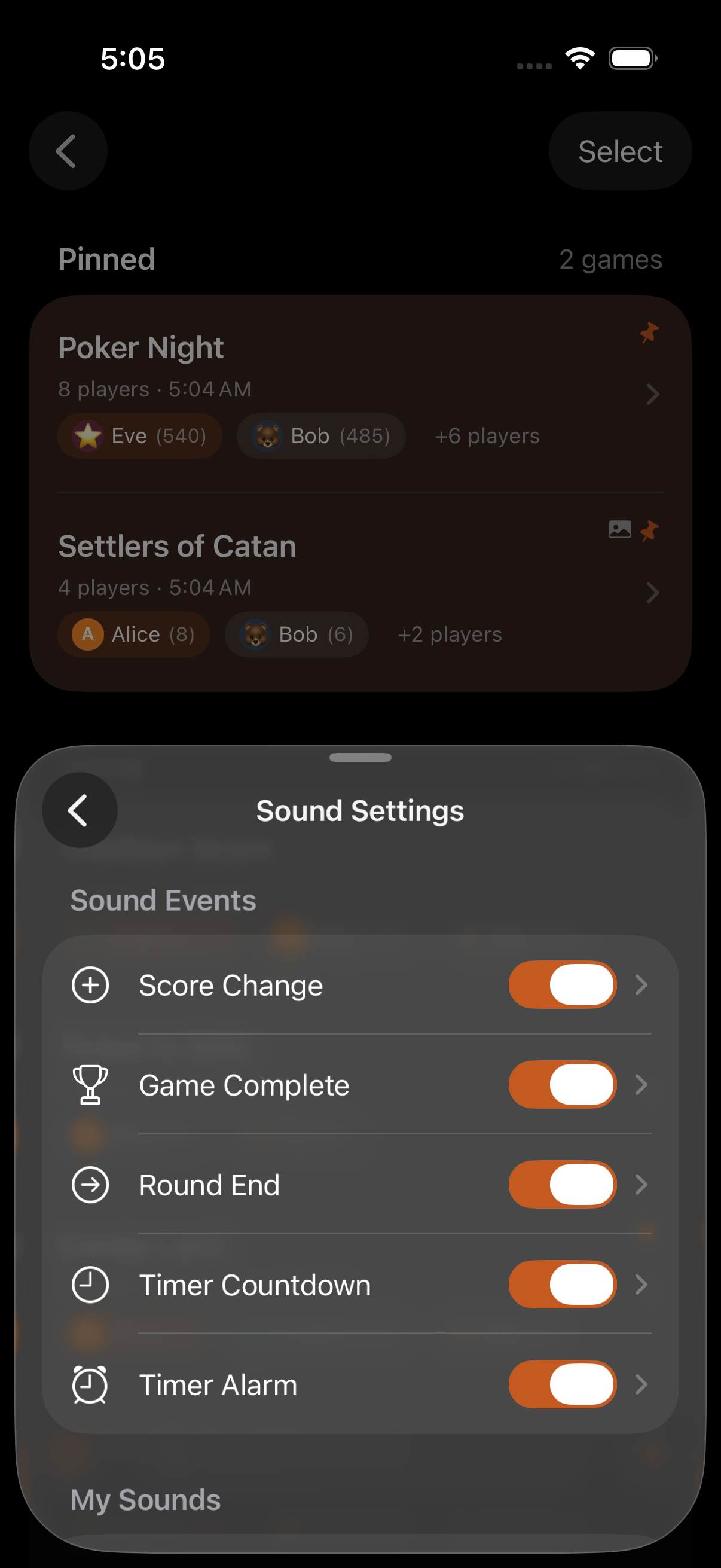
Each event has its own enable/disable switch and its own selected sound.
Sound Sources
Section titled “Sound Sources”For every event you can choose from three sources:
- System sound library: built-in iOS sounds (short UI tones and longer alarm tones)
- Custom sound: import an audio file from Files
- Record your own: record up to 30 seconds directly in the app
Your imported and recorded sounds live in a “My Sounds” list and can be reused across events.
Customization
Section titled “Customization”For each event, you can:
- Enable or disable the sound independently
- Pick a sound from the system library or your own recordings
- Preview any sound before applying it
Access sound settings from the Settings screen.
Audio Session & Haptics
Section titled “Audio Session & Haptics”- Ambient audio session: Keeping Score! mixes with other audio (podcasts, music) rather than pausing them, and respects the device’s silent switch.
- Haptic fallback: when audio is unavailable (silent mode, no output route), the app uses haptic feedback so you still get tactile confirmation of events.
- Custom sounds can be any audio file up to 30 seconds, good for personalized alarms
- Disable score change sounds during fast-paced games if the constant feedback gets distracting
- Use a distinctive alarm tone for Timer Expired so it stands out during noisy game sessions
- Record a short family cheer as a custom Game Complete sound. Kids love it
Related Features
Section titled “Related Features”- Timers: Timer tick and expiry sounds
- Finishing Games: Game complete sound
- Rounds: Round end sound
Can I use my own sounds?
Section titled “Can I use my own sounds?”Yes. Import audio files from Files or record directly in the app. The maximum duration is 30 seconds per sound.
What happens when my phone is on silent?
Section titled “What happens when my phone is on silent?”The app falls back to haptic feedback, so you still get tactile confirmation of events without audio.
Can I turn off all sounds?
Section titled “Can I turn off all sounds?”Yes. Each of the five sound events can be toggled off independently. Turn them all off for a silent experience.